
Protect Your Site: Top 10 WordPress Security Best Practices
10 WordPress Security Best Practices Every Site Owner Must Follow
How Can WordPress Firewall Setup Enhance Your Site's Security?

What Are the Key Features of an Effective WordPress Firewall?
- Malicious Traffic Blocking: The firewall should automatically identify and block suspicious requests, preventing unauthorized access.
- Traffic Analysis Tools: Advanced firewalls offer analytics to monitor traffic patterns, helping to identify potential threats in real-time.
- Alert Systems: Notifications about security breaches or attempted attacks allow site owners to respond promptly.
How Does Firewall Configuration Prevent Common WordPress Attacks?
- Prevent Malware: By blocking known malicious IP addresses, the firewall reduces the risk of malware infections.
- Mitigate Brute Force Attacks: Firewalls can limit login attempts, making it difficult for attackers to guess passwords.
- Filter SQL Injections: By analyzing incoming data, firewalls can detect and block SQL injection attempts that target database vulnerabilities.
Preventing SQL Injection with Database Firewalls
SQL injection is one of several different types of code injection techniques used to attack data driven applications. This is done by the attacker injecting an input in the query not intended by the programmer of the application gaining the access of the database which results in potential reading, modification or deletion of users’ data. The proposed procedure in the paper is to use a database firewall between the client (user) side and the database server through AWS to avoid the malicious codes injected by the attackers.
Prevention of sql injection attacks using aws waf, M Kareem, 2018
What Are the Best Practices for WordPress Login Protection?
- Use Strong Passwords: Ensure that all user accounts have complex passwords that are difficult to guess.
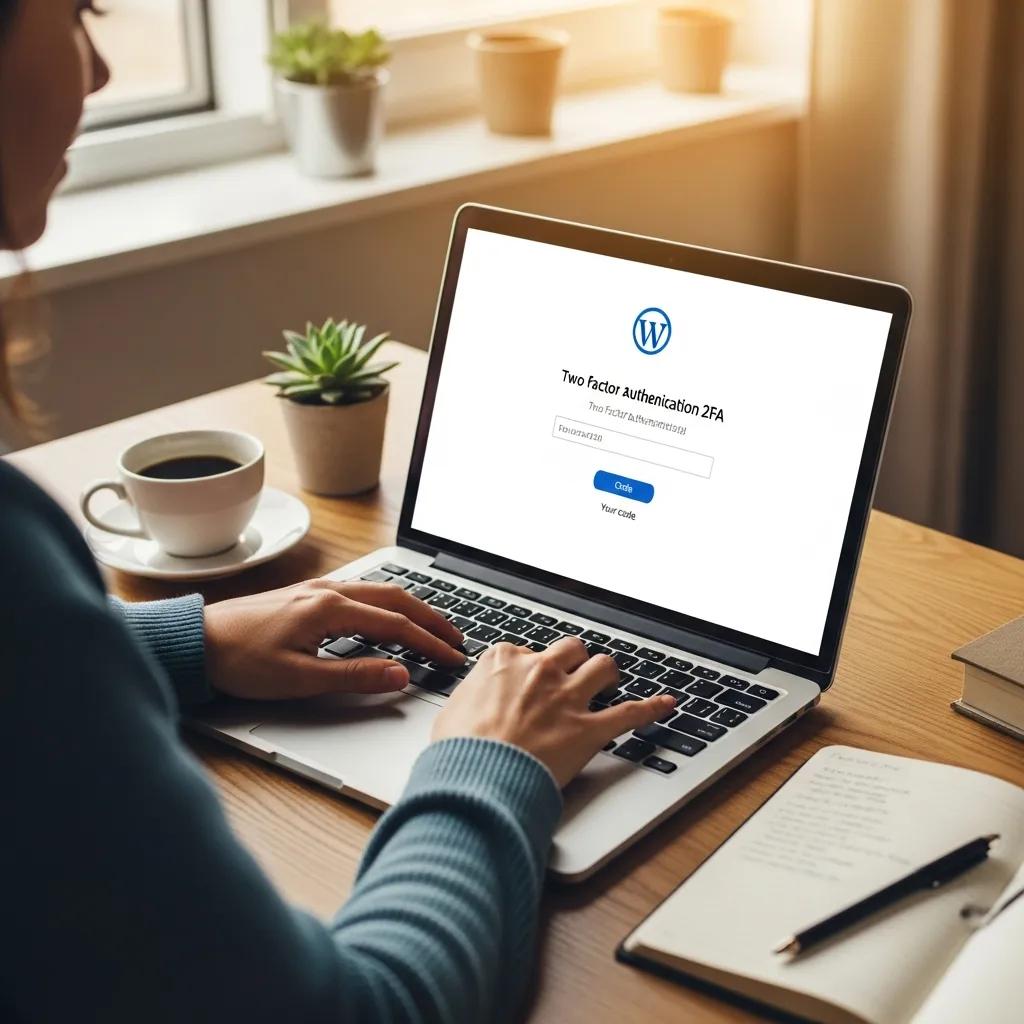
- Two-Factor Authentication: Adding an extra layer of security through two-factor authentication (2FA) can greatly enhance login security.
- Limit Login Attempts: Restricting the number of login attempts can help prevent brute force attacks.
How Does Two-Factor Authentication Strengthen Login Security?
Enhancing WordPress Security with Two-Factor Authentication
the security of WordPress-based websites. During the past several years, Two-Factor Authentication for web application authentication, as recommended by security frameworks like
A Performance Evaluation of Two-Factor Authentication Plugins in WordPress for Resource-Constrained Environments, 2025
- Additional Security Layer: Even if a password is compromised, the second factor prevents unauthorized access.
- User Verification: 2FA ensures that the person attempting to log in is indeed the account owner.
- Reduced Unauthorized Access: The implementation of 2FA significantly decreases the likelihood of account breaches.
What Measures Prevent Brute Force Attacks on WordPress Logins?
- Limit Login Attempts: Set a maximum number of login attempts to deter attackers.
- Use CAPTCHA: Adding CAPTCHA to the login form can help distinguish between human users and automated bots.
- IP Blocking: Temporarily blocking IP addresses that exhibit suspicious behavior can prevent repeated attack attempts.
Why Are Regular WordPress Site Backups Essential for Security?
- Safety Net Against Data Loss: Backups ensure that you can recover your site and its content if something goes wrong.
- Quick Recovery from Incidents: In the event of a security breach, having a recent backup allows for swift restoration, minimizing downtime.
- Minimizing Downtime: Regular backups help maintain your site's availability, ensuring that users can access your content without interruption.
How Often Should You Backup Your WordPress Site?
- Daily Backups Recommended: Frequent updates necessitate regular backups to capture the latest changes.
- Automated Systems: Utilizing automated backup solutions can streamline the process and reduce the risk of human error.
- Off-Site Storage: Storing backups in a secure off-site location protects against data loss due to server failures.
What Are Reliable WordPress Site Backup Solutions?
| Backup Solution | Features | Price |
|---|---|---|
| UpdraftPlus | Automated backups, cloud storage integration | Free / Premium options available |
| BackupBuddy | Complete site backups, easy restoration | Starting at $80/year |
| VaultPress | Real-time backups, security scanning | Starting at $15/month |
How Can WordPress Malware Scanning and Removal Protect Your Website?
- Identifying Threats: Scanning tools can detect known malware signatures and suspicious activity.
- Eliminating Malware: Prompt removal of detected malware minimizes the risk of further damage.
- Maintaining Site Integrity: Regular scans help ensure that your site remains secure and trustworthy for users.
Signature-Based Malware Detection for WordPress
Signature-based methods detect malware by comparing the code against a database of known malware signatures. While effective for known threats, this method fails to detect new,
Behind the code: identifying zero-day exploits in WordPress, MS Nadeem, 2024
What Tools Are Recommended for WordPress Malware Detection?
- Wordfence: A comprehensive security plugin that offers firewall protection and malware scanning.
- Sucuri: Provides website security solutions, including malware detection and removal services.
- MalCare: A specialized malware removal tool that offers one-click cleanup and ongoing protection.
How Does Prompt Malware Removal Minimize Security Risks?
- Quick Identification: Rapid detection of malware allows for timely intervention.
- Preventing Further Damage: Addressing infections promptly reduces the risk of data breaches and site downtime.
- Maintaining User Trust: A secure site fosters trust among users, encouraging continued engagement.