Why Daily WordPress Backups Are Non-Negotiable for Your Business

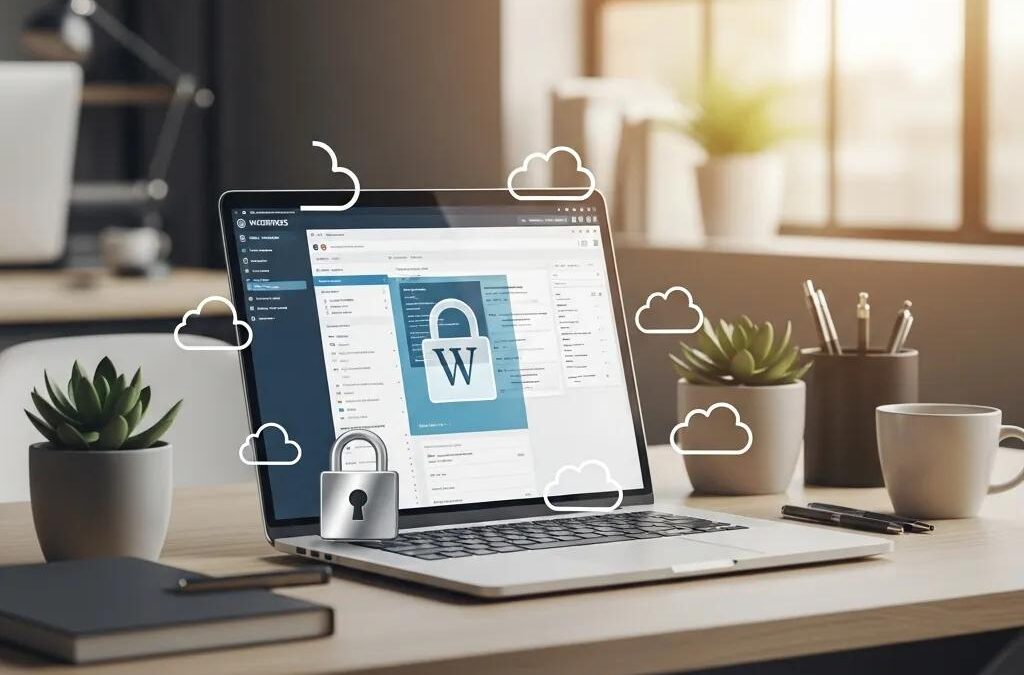
WordPress dashboard on laptop displaying security symbols, representing daily backups and website protection, in a modern office setting with plants and natural light.

Daily WordPress Backups: Safeguard Business Continuity & Security

In the digital landscape, the security of your website is paramount, especially for businesses relying on WordPress. Daily backups are not just a precaution; they are a critical component of a robust business continuity strategy. This article will delve into the importance of daily WordPress backups, exploring the risks associated with infrequent backups, the financial implications of data loss, and how automated solutions can safeguard your website. By understanding these elements, businesses can better appreciate the necessity of regular backups and the peace of mind they provide.

The risks of not having daily backups can lead to severe consequences, including data loss and diminished customer trust. This article will cover the business risks of infrequent backups, the impact of data loss on small and medium businesses, and the financial consequences of website downtime. Additionally, we will discuss the features of reliable backup solutions and how Secure WP Solutions can help ensure your website’s security and reliability.

What Are the Business Risks of Infrequent WordPress Backups?

Infrequent WordPress backups expose businesses to significant risks, primarily the potential for data loss. Without regular backups, a website can be vulnerable to various threats, including hacking, server failures, and human errors. These incidents can lead to the loss of critical data, which may take considerable time and resources to recover. Furthermore, the financial implications of such losses can be severe, affecting not only revenue but also customer trust and brand reputation.

Secure WP Solutions emphasizes the importance of daily backups as a safeguard against these risks. By implementing a strategy that includes automated daily backups, businesses can mitigate the potential fallout from data loss incidents. This proactive approach not only protects valuable information but also enhances customer confidence in the business’s reliability.

How Does Data Loss Impact Small and Medium Businesses?

Concerned small business owner looking at computer screen displaying "DATA LOSS DETECTED - CRITICAL SYSTEM FAILURE" alert, highlighting the risks of data loss and the importance of regular backups.

Data loss can have devastating effects on small and medium businesses (SMBs). The immediate impact often includes operational disruptions, as employees may be unable to access essential files and systems. This downtime can lead to lost productivity and revenue, which can be particularly detrimental for smaller organizations with limited resources.

Moreover, the long-term consequences of data loss can extend beyond immediate financial losses. SMBs may face challenges in regaining customer trust, as clients expect businesses to protect their information. A single incident of data loss can tarnish a company’s reputation, making it crucial for businesses to prioritize regular backups as part of their operational strategy.

What Are the Financial Consequences of Website Downtime?

Website downtime can result in significant financial losses for businesses. Research indicates that even a few hours of downtime can lead to thousands of dollars in lost revenue, depending on the size and nature of the business. Additionally, prolonged downtime can result in reputational damage, as customers may turn to competitors if they cannot access a website or service.

The financial implications extend beyond immediate revenue loss. Businesses may incur increased operational costs as they scramble to restore services and recover lost data. This situation underscores the importance of having a reliable backup solution in place to minimize downtime and its associated costs.

How Do Automated Daily WordPress Backups Protect Your Website?

Computer screen displaying automated backup progress at 75% completion, featuring gears and security symbols, emphasizing data protection and recovery for WordPress websites.

Automated daily WordPress backups provide a safety net for businesses by ensuring that data is consistently saved and easily recoverable. These backups work by creating copies of website files and databases at regular intervals, allowing for quick restoration in the event of data loss. This process not only protects against accidental deletions but also safeguards against malicious attacks and server failures.

This ease of recovery is a cornerstone of effective backup strategies, as highlighted by industry insights.

Daily Automatic WordPress Backups & Easy Restore

backups, you can restore any backup from any date with a click of a button. You can also setup automatic backups daily

Building a secure WordPress website with plugins, 2019

By utilizing automated backup solutions, businesses can focus on their core operations without the constant worry of potential data loss. The peace of mind that comes with knowing that your website is backed up daily is invaluable, especially in today’s fast-paced digital environment.

What Features Should a Reliable WordPress Backup Solution Include?

When selecting a WordPress backup solution, businesses should look for several key features to ensure reliability and effectiveness:

  1. Automated Daily Backups: The solution should automatically create backups daily without requiring manual intervention.
  2. Off-Site Cloud Storage: Backups should be stored in a secure off-site location to protect against local disasters.
  3. Regular Testing of Restorations: The ability to regularly test backup restorations ensures that data can be recovered quickly and effectively when needed.

These features are essential for a comprehensive backup strategy that minimizes risks and enhances data security.

How Does Secure WP Solutions Ensure Backup Security and Reliability?

Secure WP Solutions specializes in providing WordPress maintenance and security services, focusing on protecting websites through expert management, including daily backups. Their approach includes automated backup systems that ensure data is consistently saved and securely stored in the cloud. Regular testing of restorations is also a key component of their service, allowing businesses to verify that their backups are functional and reliable.

By partnering with Secure WP Solutions, businesses can enhance their website’s security posture and ensure that they are prepared for any data loss incidents. This proactive approach to website management not only protects valuable information but also fosters customer trust and confidence.

What Is the Role of Daily Backups in WordPress Disaster Recovery Planning?

Daily backups play a crucial role in disaster recovery planning for WordPress websites. They provide a reliable means of restoring data in the event of a catastrophic failure, such as a server crash or a security breach. By having recent backups readily available, businesses can minimize downtime and quickly resume operations.

Incorporating daily backups into a disaster recovery plan ensures that businesses are prepared for unexpected events. This preparedness not only protects data but also enhances overall business resilience.

How Quickly Can Businesses Restore Data After a Security Incident?

The speed at which businesses can restore data after a security incident largely depends on the quality of their backup solutions. With automated daily backups, businesses can typically restore their data within a matter of hours, significantly reducing downtime. This rapid recovery is essential for maintaining business continuity and minimizing the impact of data loss on operations.

Having a well-structured backup strategy in place allows businesses to respond swiftly to security incidents, ensuring that they can quickly return to normal operations.

What Are Best Practices for Integrating Backups into Maintenance Plans?

Integrating backups into maintenance plans is essential for ensuring data security. Here are some best practices to consider:

  1. Automate Daily Backups: Set up automated systems to ensure backups occur without manual intervention.
  2. Utilize Off-Site Cloud Storage: Store backups in a secure off-site location to protect against local disasters.
  3. Regularly Test Backups: Conduct routine tests of backup restorations to verify their functionality.

By following these best practices, businesses can enhance their data protection strategies and ensure that they are prepared for any potential data loss incidents.

Which WordPress Backup Frequency Is Best for Your Business Needs?

The optimal backup frequency for businesses depends on their specific needs and the nature of their operations. For active websites that frequently update content, daily backups are often recommended to minimize data loss. Conversely, less active sites may find that weekly backups suffice.

Understanding the unique requirements of your business is crucial in determining the appropriate backup frequency. This tailored approach ensures that data is adequately protected without unnecessary resource expenditure.

Why Are Daily Backups Recommended Over Weekly or Monthly Options?

Daily backups are recommended over weekly or monthly options due to the reduced risk of data loss. With daily backups, businesses can ensure that their most recent data is always protected, minimizing the potential impact of unexpected incidents. This frequency allows for quick recovery and continuity of operations, which is essential in today’s fast-paced digital environment.

The advantages of daily backups include minimized data loss, quicker recovery times, and enhanced overall security. These benefits make daily backups a critical component of any effective data protection strategy.

How Do Backup Frequency Choices Affect Data Loss Risk?

The frequency of backups directly impacts the risk of data loss. Infrequent backups increase the likelihood of losing significant amounts of data, as businesses may not have recent copies available for restoration. This situation can lead to longer downtime and increased vulnerability to attacks.

By choosing a backup frequency that aligns with their operational needs, businesses can effectively manage their data loss risk. Regular backups provide a safety net that protects against unforeseen incidents, ensuring that data remains secure and accessible.

GDPR logo in white text on a blue background, representing compliance with data protection regulations for Secure WP Solutions' website.
Privacy Overview

This website uses cookies so that we can provide you with the best user experience possible. Cookie information is stored in your browser and performs functions such as recognising you when you return to our website and helping our team to understand which sections of the website you find most interesting and useful.