

How WordPress Website Backups Work and What They Actually Save

How WordPress Website Backups Work and What They Actually Save: A Clear Guide to Backup Components and Restoration
Components Included in Backups
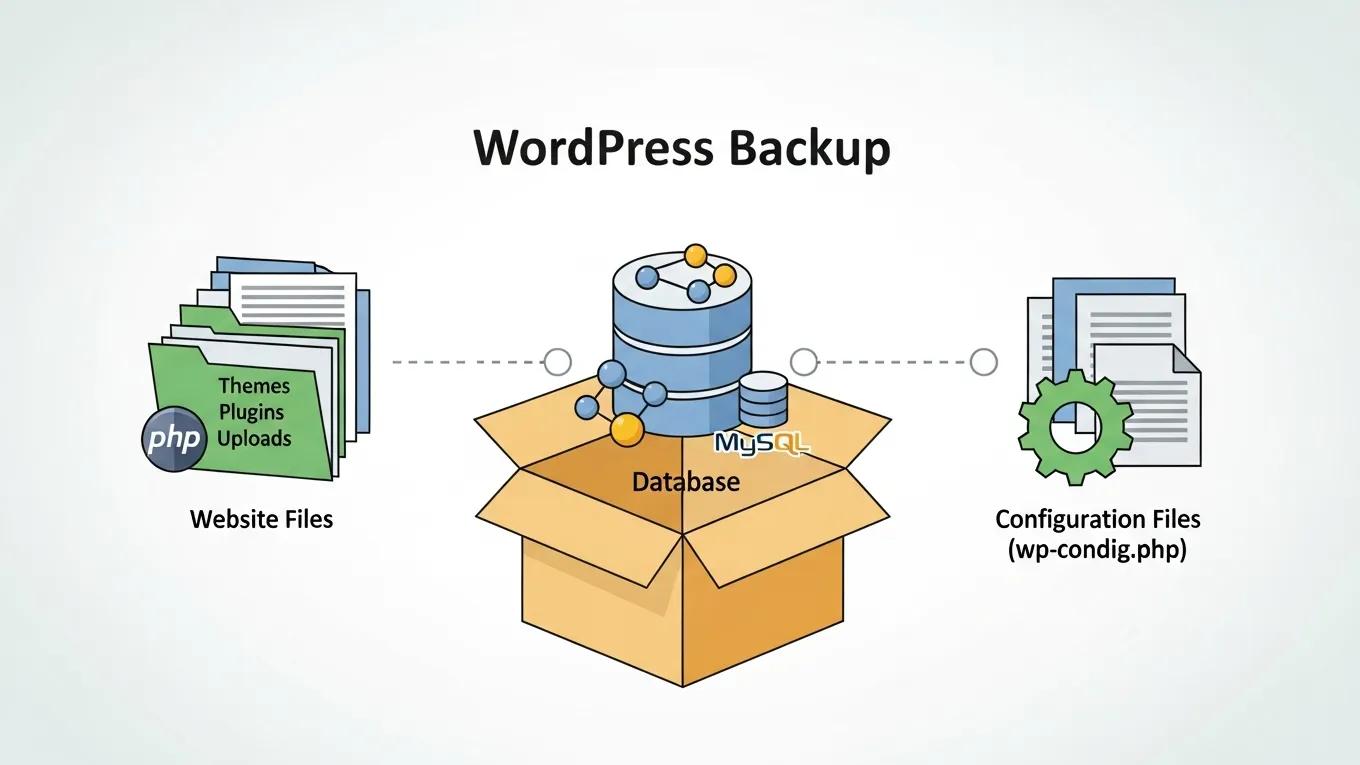
- Website Files: This category includes themes, plugins, and media uploads that contribute to the visual and functional aspects of your site.
- Database: The database is a crucial part of your backup, containing all your content, settings, and user information.
- Configuration Files: These files dictate how your website operates, including settings for plugins and themes.
Data Saved in Backups
- Content: This encompasses all text, images, and media files that make up your website's pages and posts.
- Settings: Backups also save the configurations for themes and plugins, ensuring that your site retains its design and functionality after restoration.
- User Data: Any custom code or user-generated content is included in the backup, allowing for a complete recovery of your site's interactive features.
Backup Process
- Initial Setup: Assessing your website's needs is crucial for determining the appropriate backup strategy.
- Automated Daily Backups: Implementing automated daily backups ensures that your data is consistently saved without manual intervention.
- Notifications: Keeping clients informed about backup status through notifications helps maintain transparency and trust.
Restoration Process

- Identifying the Need for Restoration: Recognizing when a restoration is necessary is the first step in the process.
- Client-Initiated Restoration: Clients can initiate the restoration process, making it a straightforward task.
- Regular Testing: Conducting regular tests of the restoration process ensures that backups can be restored quickly and accurately when needed.
Importance of Regular Backups
- Safety Net Against Data Loss: Backups provide a crucial safety net, allowing you to recover from data loss due to various unforeseen circumstances.
- Minimized Downtime and Revenue Loss: By having a reliable backup system in place, you can significantly reduce downtime, which in turn minimizes potential revenue loss.
- Automated Systems: Implementing automated backup systems ensures that your data is consistently backed up without requiring constant oversight.