
How Brute Force Attacks Target WordPress Login Pages
Secure WordPress Logins Against Brute Force Attacks
Understanding Attack Methods
Prevention Strategies
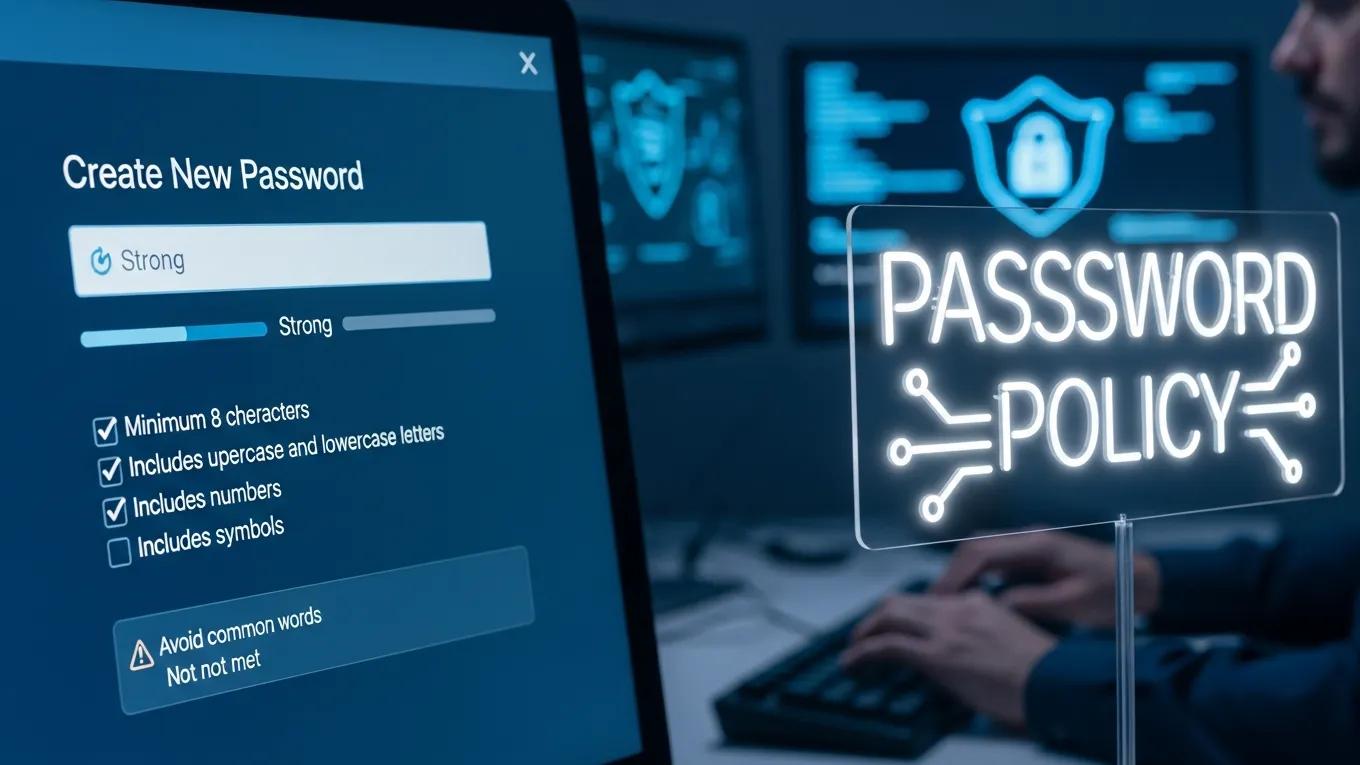
- Strong Password Policies: Encourage the use of complex passwords that combine letters, numbers, and special characters to enhance security.
- Limit Login Attempts: Implement measures to restrict the number of login attempts from a single IP address, which can deter attackers.
- Use of Security Plugins: Security plugins can provide additional layers of protection, such as monitoring login attempts and blocking suspicious activity.
How Do WordPress Security Plugins Protect Against Login Attacks?
What Role Does Two-Factor Authentication Play in Login Security?
Best Practices for Safeguarding Login Credentials
- Educate Users on Phishing: Regularly inform users about phishing tactics and how to recognize suspicious emails or links.
- Regular Backups: Ensure that backups of the site are performed regularly, allowing for quick recovery in case of a security breach.
- Monitoring Access Logs: Keep an eye on access logs to identify any unusual login attempts or patterns that may indicate an attack.
What Are Brute Force Attacks on WordPress Login Pages?
How Do Brute Force Attacks Exploit WordPress Login Vulnerabilities?
What Are the Common Signs of a Brute Force Attack on WordPress?
- Unusual Login Attempts: A sudden spike in login attempts from a single IP address can indicate an ongoing attack.
- Increased Traffic from Specific IPs: Monitoring traffic patterns can help identify malicious activity.
- Failed Login Notifications: Frequent notifications of failed login attempts can signal that an attacker is trying to gain access.
Why Are Professional WordPress Security and Maintenance Plans Essential?
How Do Maintenance Plans Mitigate Brute Force Attack Risks?
What Benefits Do Small and Medium Businesses Gain from Security Services?
- Enhanced Security: Comprehensive security measures protect against various cyber threats.
- Cost-Effectiveness: Investing in security services can save businesses from costly breaches and downtime.
- Performance Optimization: Regular maintenance ensures that the site runs smoothly, improving user experience and engagement.
How Can WordPress Site Owners Monitor and Respond to Brute Force Attacks?

Which Tools Provide Continuous Security Monitoring for WordPress Logins?
- Wordfence: Offers real-time monitoring and alerts for suspicious activity.
- Sucuri: Provides comprehensive security solutions, including malware scanning and firewall protection.
- iThemes Security: Enhances login security with features like two-factor authentication and login attempt limits.
What Are Best Practices for Updating and Hardening WordPress Login Pages?
- Regular Updates: Keep WordPress core, themes, and plugins updated to the latest versions.
- Security Configurations: Implement security configurations such as changing the default login URL and disabling XML-RPC if not needed.
- User Training: Educate users on secure login practices and the importance of strong passwords.
WordPress Hardening for Authentication & Unauthorized Access Prevention
This paper provides a review of the most common vulnerabilities observed in WordPress-based environments and discusses hardening techniques including update management, permission restrictions, authentication strengthening, and security monitoring. The analysis indicates that the absence of hardening measures leads to an increased risk of unauthorized access, malware infections, and operational an
Analysis of Vulnerabilities and Consequences of Missing Hardening in WordPress-Based CMS Environments, 2025