

Discover Best Practices for WordPress Backup Services Today

WordPress Backups Explained: How Often Should You Back Up Your Site?
What Is the Importance of Regular WordPress Backups?
Recommended Backup Frequency
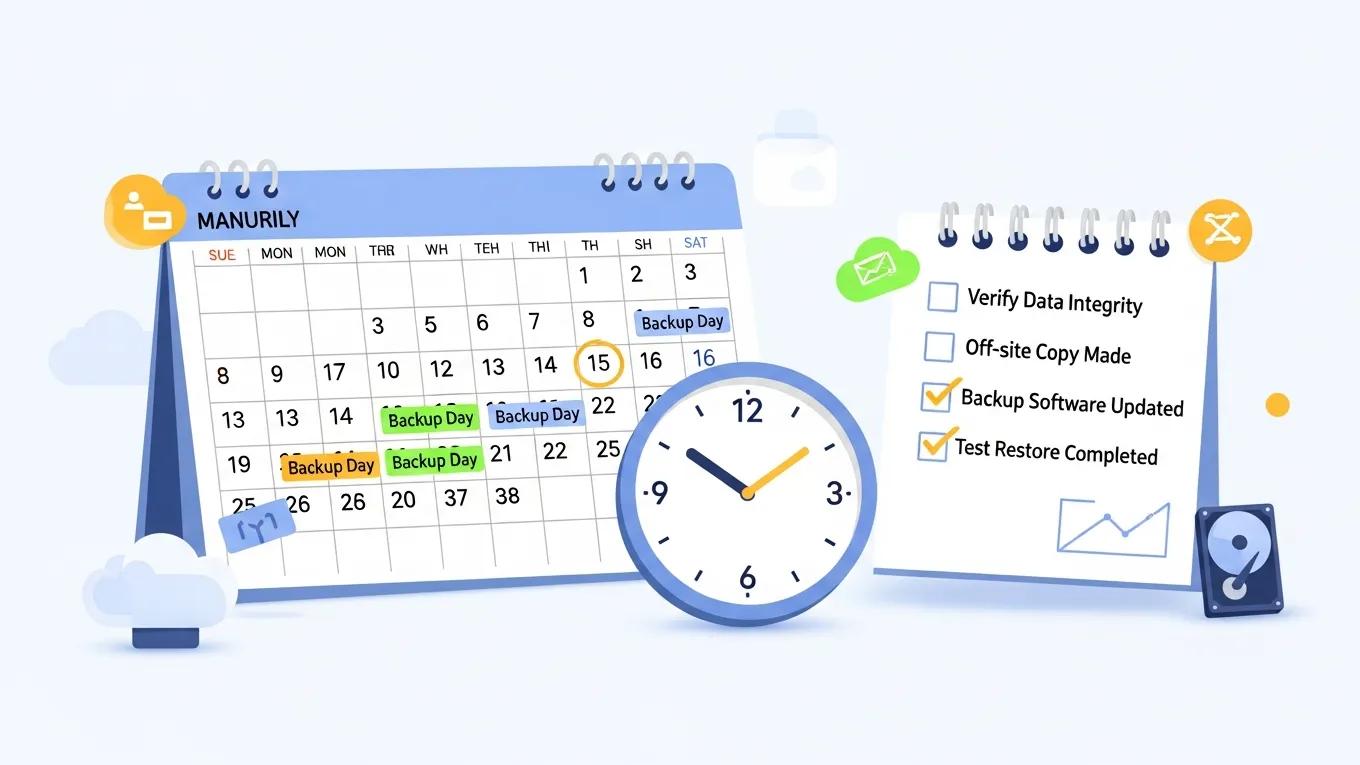
- Daily Backups for Active Sites: If your site frequently updates content or receives regular user interactions, daily backups are recommended to ensure no data is lost.
- Weekly Backups for Less Active Sites: For sites with infrequent updates, weekly backups can suffice, ensuring that you still have recent data available.
- Pre-Update Backups: Always back up your site before making significant changes, such as updates to plugins, themes, or the WordPress core.
How Do Backups Protect Against Data Loss and Downtime?
What Are the Risks of Infrequent Backup Schedules?
How Often Should You Back Up Your WordPress Site?
What Backup Frequency Is Recommended for Different Site Types?
- E-commerce Sites: Daily backups are crucial due to frequent transactions and updates.
- Blogs and News Sites: Depending on posting frequency, daily to weekly backups are advisable.
- Portfolio Sites: Weekly backups may suffice if content updates are infrequent.
- Static Sites: Monthly backups can be adequate for sites with minimal changes.
How Does Site Update Rate Influence Backup Scheduling?
Which WordPress Backup Methods and Plugins Are Most Effective?

- UpdraftPlus: A widely used plugin that offers scheduled backups and cloud storage options.
- BackupBuddy: A premium solution that provides comprehensive backup features and easy restoration.
- VaultPress: A subscription-based service that offers real-time backups and security scanning.
How Can WordPress Backups Integrate with Security and Recovery Plans?
What Are the Benefits of Combining Backup and Security Services?
- Comprehensive Protection: A unified approach ensures that both data and site integrity are maintained.
- Streamlined Recovery: In the event of an incident, having both services integrated allows for quicker recovery times.
- Cost-Effectiveness: Bundling services can often lead to reduced costs compared to purchasing them separately.
How Do Managed Backup Services Support Rapid Site Recovery?
- Automated Backups: Regular backups without manual intervention ensure that your data is always up to date.
- Off-Site Storage: Storing backups in secure, off-site locations protects against local disasters.
- Regular Testing: Managed services often include testing of backup integrity, ensuring that your data can be restored when needed.