
Essential Tips for Selecting WordPress Maintenance Packages
How to Choose the Right WordPress Maintenance Plan for Your Business
To select the ideal WordPress maintenance plan for your business, consider the following key factors:
- Level of Support Required: Assess how much support your business needs. Do you require 24/7 assistance, or is standard business hours support sufficient?
- Frequency of Backups: Determine how often you want your website backed up. Regular backups are essential for data recovery in case of issues.
- Additional Services: Consider any extra services you might need, such as SEO optimization, performance monitoring, or content updates.
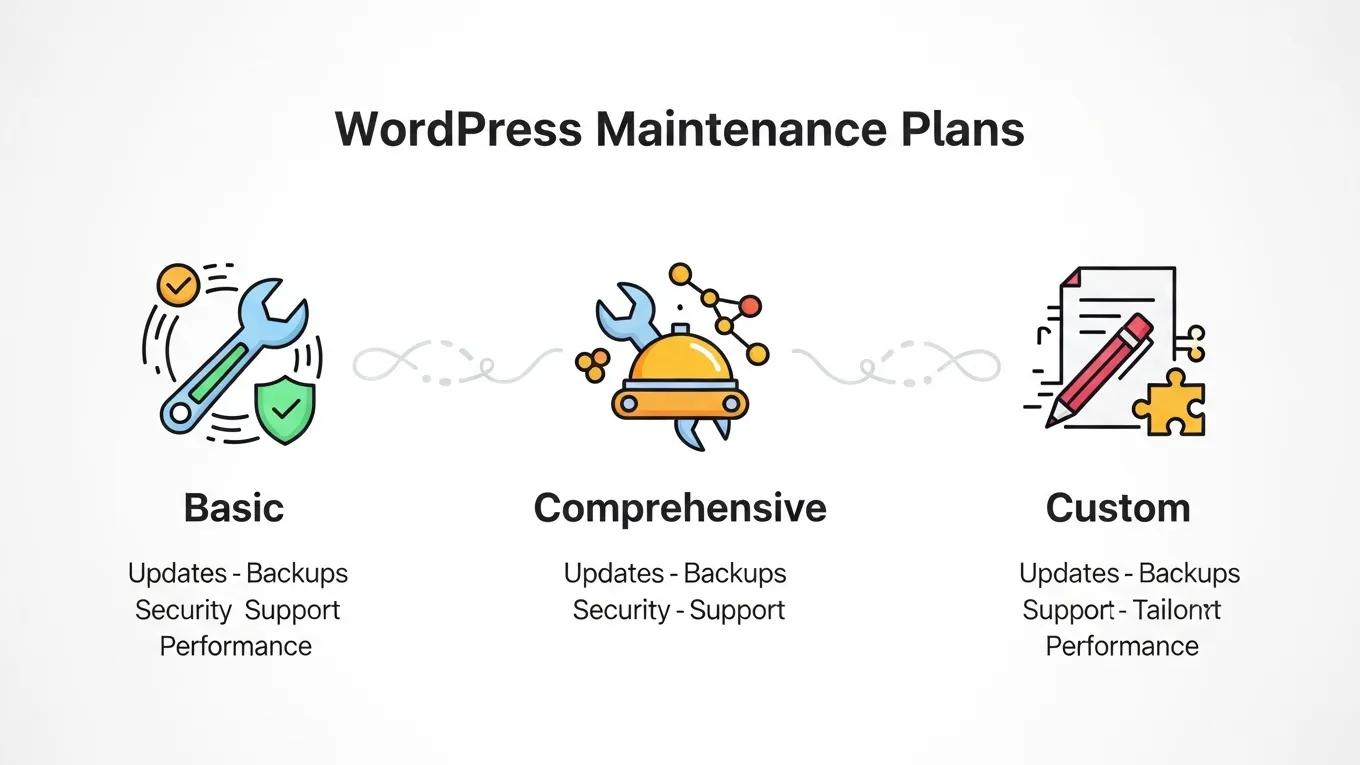
Types of Maintenance Plans Available:
| Plan Type | Features | Price |
|---|---|---|
| Basic Plans | Regular updates, security monitoring, backups | Starting at $49/month |
| Comprehensive Plans | All basic features plus performance optimization, SEO services | Starting at $99/month |
| Custom Plans | Tailored services based on specific business needs | Contact for pricing |
Assessing the Best Option:
- Evaluate Your Business Goals: Identify what you want to achieve with your website. Are you focusing on growth, security, or user experience?
- Budget Considerations: Determine how much you can allocate for maintenance services. Balance your budget with the level of service you require.
- Consultation with Experts: If unsure, consult with a WordPress maintenance provider to discuss your needs and get recommendations.
What Are the Essential Features of WordPress Maintenance Plans?
- Regular Updates: Keeping your WordPress core, themes, and plugins updated is vital for security and performance.
- Backups: Regular backups ensure that you can restore your website quickly in case of data loss.
- Security Monitoring: Continuous monitoring for vulnerabilities and threats helps protect your website from attacks.
Which Security Services Should a Maintenance Plan Include?
Automated WordPress Security Auditing & Monitoring
security regulations that affect WordPress site operations, especially in the context of automated security auditing and monitoring.
Automated security auditing and monitoring system for WordPress sites, 2025
- Regular Updates: Ensuring that all components of your website are up-to-date minimizes security risks.
- Daily Backups: Frequent backups allow for quick recovery in case of data loss or corruption.
- Security Checks: Regular scans for malware and vulnerabilities help maintain the integrity of your website.
How Do Plugin Updates and Backups Protect Your Website?
- Security Enhancement: Regular updates fix vulnerabilities in plugins, reducing the risk of exploitation.
- Data Protection: Backups ensure that you can restore your website to a previous state in case of issues, protecting your data.
- Performance Optimization: Keeping plugins updated can improve website performance and user experience.
How Can You Customize WordPress Support Packages to Fit Your Business Needs?
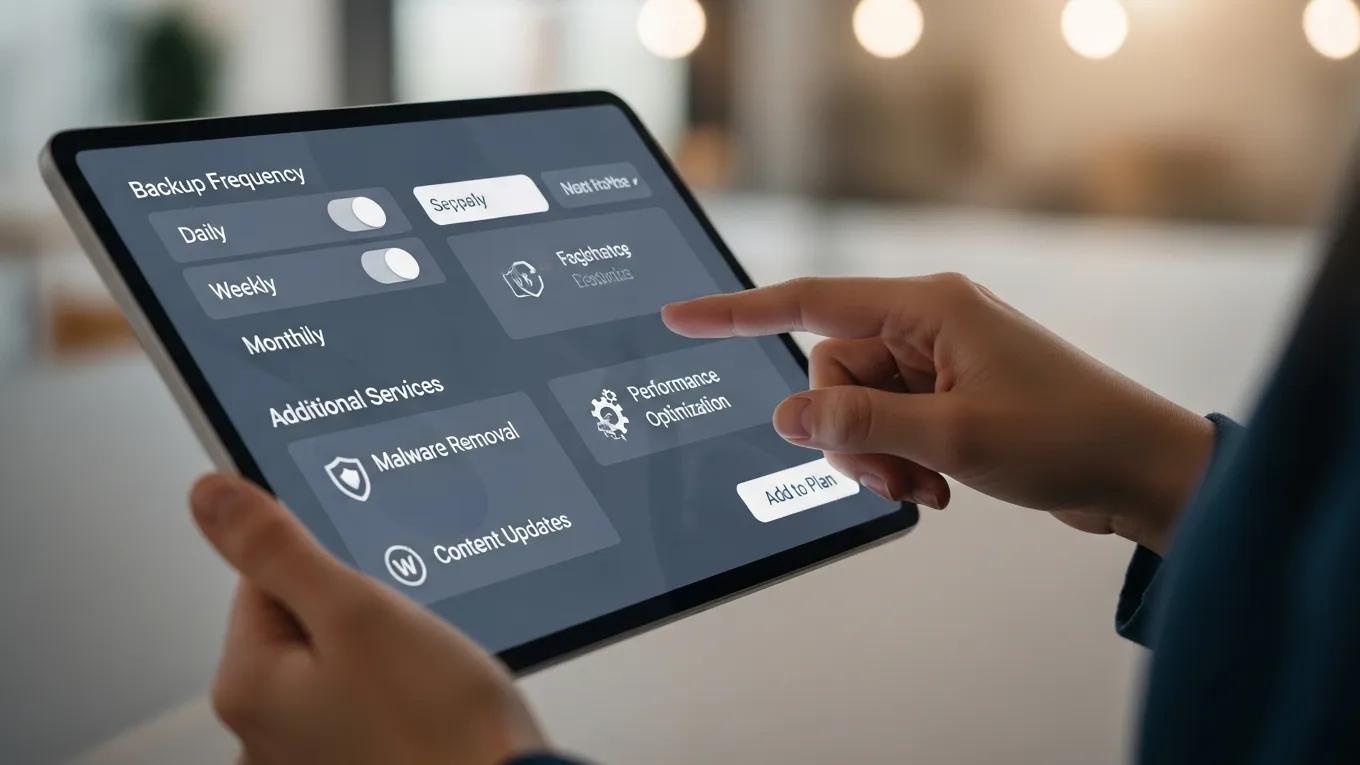
- Level of Support Required: Choose between basic support or more comprehensive packages that include additional services.
- Frequency of Backups: Decide how often you want backups to occur based on your content update frequency.
- Additional Services: Include services like SEO optimization or content management if they align with your business goals.
What Factors Determine the Right Level of Support for Small to Medium Businesses?
WordPress Maintenance for SMEs: Resource-Efficient Strategies
small to medium-enterprises have to struggle with limited resources. This thesis explores WordPress website maintenance and have the WordPress websites perform with
How small and medium-sized enterprises work on WordPress website maintenance and resource-efficient strategies and tools for automation, 2025
- Level of Support Required: Assess how much assistance you need based on your technical expertise and website complexity.
- Frequency of Backups: Determine how often you need backups based on how frequently you update your content.
- Website Goals and Traffic: Consider your website's purpose and expected traffic levels, which can impact the level of support required.
How Do Managed WordPress Hosting and Maintenance Plans Complement Each Other?
- Enhanced Security: Managed hosting often includes built-in security features, while maintenance plans provide additional monitoring and updates.
- Performance Optimization: Hosting providers optimize server settings for WordPress, while maintenance plans ensure that your website remains updated and efficient.
- Proactive Support: Both services offer proactive support, helping to identify and resolve issues before they impact your website.
What Are the Cost Considerations and ROI of WordPress Maintenance Services?
- Pricing Structures: Understand the different pricing models available, such as monthly subscriptions or pay-as-you-go options.
- Return on Investment: Assess how maintenance services can save you time and money in the long run by preventing costly issues.
- Long-term Benefits: Consider the long-term advantages of having a well-maintained website, including improved performance and security.
Why Is Ongoing Security Monitoring and Performance Optimization Critical?
- Preventing Vulnerabilities: Continuous monitoring helps identify and address potential security threats before they can be exploited.
- Enhancing User Experience: Regular performance optimization ensures that your website loads quickly and functions smoothly, improving user satisfaction.
- Maintaining Site Performance: Ongoing maintenance helps keep your website running efficiently, which is crucial for retaining visitors and achieving business goals.