

5 Warning Signs Your WordPress Site Has Been Hacked (And What to Do Next)
5 Warning Signs Your WordPress Site Has Been Hacked and How to Respond Effectively
Unusual Activity
Performance Issues
Unauthorized Access
Frequent Security Alerts
Malware Detection
What Are the Most Common Signs Your WordPress Site Has Been Compromised?
- Unusual Activity: Unexpected changes in content or layout.
- Performance Issues: Sudden slowdowns or frequent crashes.
- Unauthorized Access: New user accounts not created by you.
- Frequent Security Alerts: Notifications about failed login attempts.
- Malware Detection: Reports from security plugins about malware.
How to Identify Unexpected Redirects and Suspicious Content Changes
What Does Slow Performance or Frequent Crashes Indicate?
What Immediate Actions Should You Take If Your WordPress Site Is Hacked?
- Change All Passwords: Update passwords for all accounts associated with your site.
- Run a Malware Scan: Use security plugins to identify and remove malware.
- Restore from Backup: If necessary, restore your site to a previous version from a backup.
- Contact a Professional: If the issue persists, seek help from a WordPress security expert.
How to Secure Your Site and Prevent Further Damage
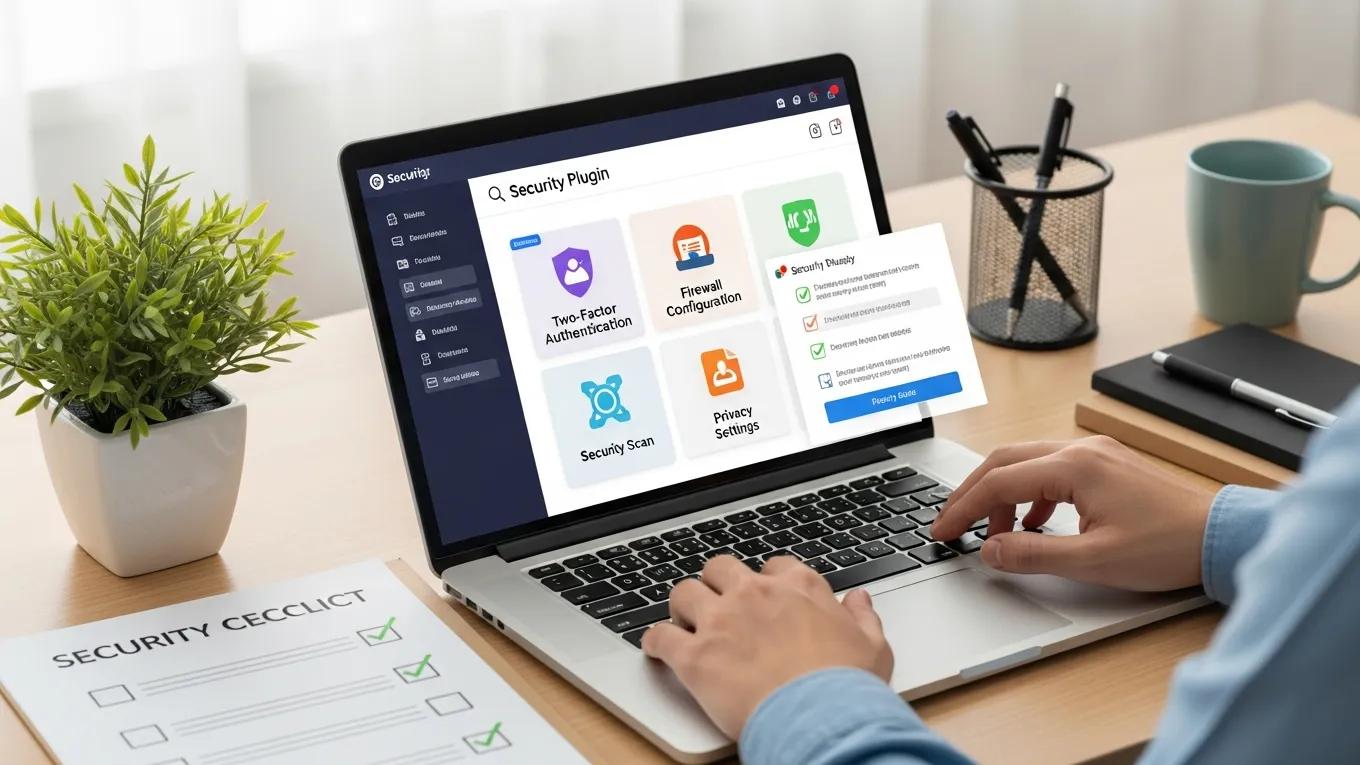
When and Why to Contact Professional WordPress Security Services
How Can Professional WordPress Security Maintenance Plans Help After a Hack?
What Does a Comprehensive Malware Removal and Cleanup Include?
- Malware Identification: Scanning the site to identify all malicious code.
- Code Cleanup: Removing infected files and restoring clean versions.
- Security Hardening: Implementing measures to prevent future infections.
- Monitoring: Setting up ongoing monitoring to detect future threats.
How Ongoing Monitoring Prevents Future WordPress Security Issues
What Are the Best Practices to Prevent Future WordPress Hacks?
- Regular Updates: Keep WordPress, themes, and plugins updated.
- Strong Passwords: Use complex passwords and change them regularly.
- Limit User Access: Only grant access to trusted individuals.
- Backup Regularly: Ensure you have recent backups to restore from if needed.
Which Security Plugins and Updates Are Essential for Protection?
- Wordfence Security: Offers firewall protection and malware scanning.
- Sucuri Security: Provides comprehensive security monitoring and cleanup services.
- iThemes Security: Focuses on hardening your site against attacks.
How Regular Maintenance and Vulnerability Scanning Reduce Risks
| Service | Feature | Benefit |
|---|---|---|
| Wordfence | Firewall Protection | Blocks malicious traffic |
| Sucuri | Malware Scanning | Identifies and removes threats |
| iThemes Security | Two-Factor Authentication | Adds an extra layer of security |