Top WordPress Security Mistakes Business Owners Should Avoid
Top WordPress Security Mistakes Business Owners Should Avoid: Essential Best Practices for Website Protection

By Support Team, Secure WP Solutions

In the digital age, securing your WordPress website is paramount for business owners. With cyber threats on the rise, understanding the common security mistakes can save you from potential data breaches and financial losses. This article delves into the top WordPress security mistakes that business owners should avoid, providing essential best practices for effective website protection. By addressing these issues, you can significantly enhance your site’s security posture and protect sensitive information. We will explore critical areas such as weak passwords, neglecting updates, and the importance of security plugins, along with best practices like regular backups and proactive monitoring.

For business owners and managers, a comprehensive guide to WordPress security can be an invaluable resource in preparing for and mitigating potential threats.

Business Owner’s Guide to WordPress Security

This book can assist you with preparing your business and your technical operations. For the manager, ensuring that your security is tight and safe from hackers is important.

CMS Security Handbook: The Comprehensive Guide for WordPress, Joomla, Drupal, and Plone, 2011

Top Security Mistakes to Avoid in WordPress:

Identifying and avoiding common security mistakes is crucial for maintaining a secure WordPress site. Many business owners unknowingly expose their websites to vulnerabilities that can be easily mitigated. Here are the key mistakes to watch out for:

Weak Passwords

Weak passwords are one of the most prevalent security issues in WordPress. Many users opt for simple, easily guessable passwords, making it easier for attackers to gain unauthorized access. A strong password should include a mix of uppercase and lowercase letters, numbers, and special characters. Utilizing password managers can help generate and store complex passwords securely.

Neglecting Updates

Failing to keep WordPress core, themes, and plugins updated can lead to significant security vulnerabilities. Outdated software is a prime target for hackers, as they exploit known weaknesses. Regularly checking for updates and applying them promptly is essential to safeguard your website from potential threats.

While regular updates are crucial, it’s also important to be aware of the potential for malicious updates or backdoors even within popular plugins.

WordPress Plugin Malware & Backdoor Risks

popular plugins from developers and then released updates with hidden backdoors or malware.

Automated security auditing and monitoring system for WordPress sites, 2025

Ignoring Security Plugins
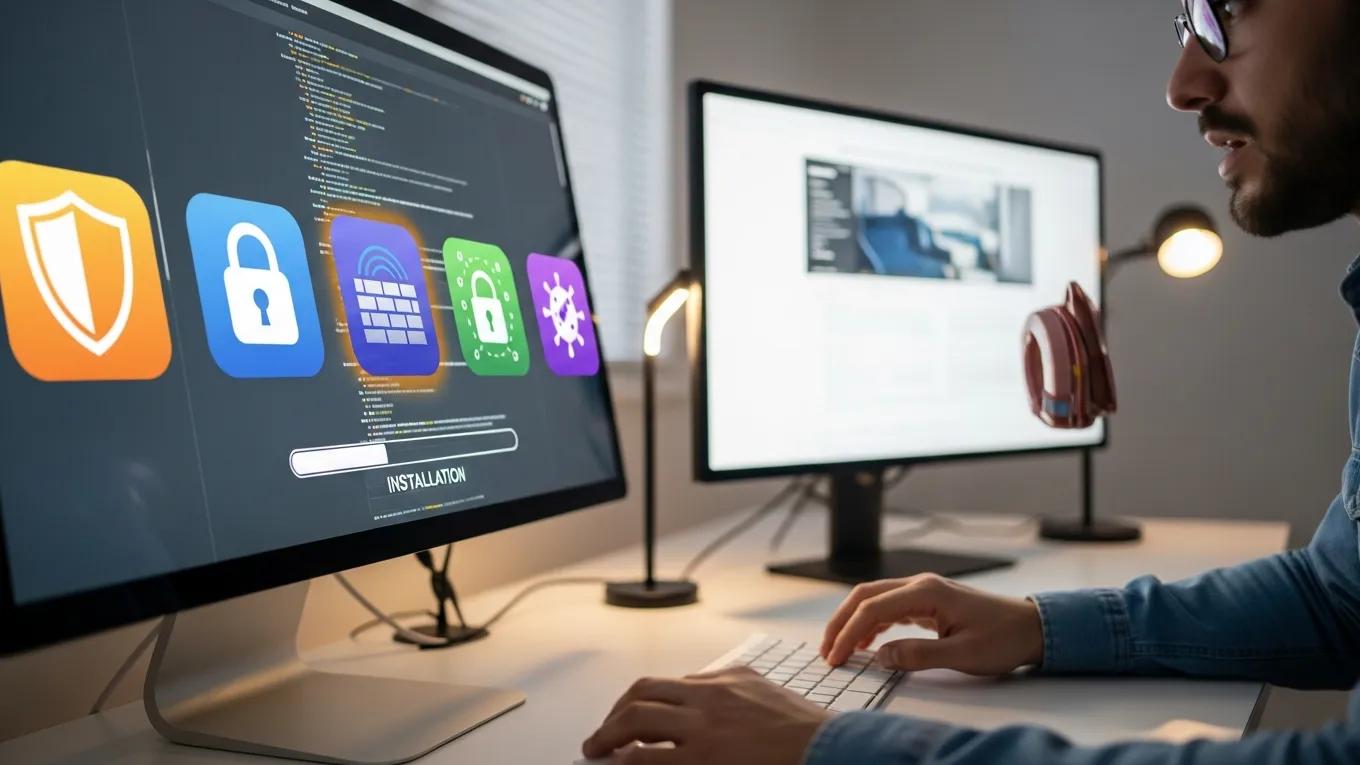
Many business owners overlook the importance of security plugins, which can provide an additional layer of protection. These plugins help monitor your site for suspicious activity, block malicious traffic, and offer features like firewalls and malware scanning. Implementing reputable security plugins can significantly enhance your site’s defenses.

Lack of Backups

Not having a regular backup strategy can be detrimental in the event of a security breach. Backups ensure that you can restore your website to its previous state without losing critical data. It’s advisable to schedule regular backups and store them in a secure location, such as cloud storage, to ensure quick recovery.

Inadequate User Education

User education is often neglected, yet it plays a vital role in website security. Employees should be trained to recognize phishing attempts and understand the importance of security best practices. Regular training sessions can help foster a culture of security awareness within your organization.

Failure to Monitor Access Logs

Monitoring access logs is crucial for identifying unusual activity on your website. Regularly reviewing these logs can help you detect unauthorized access attempts and respond promptly. Implementing a monitoring system can alert you to suspicious behavior, allowing for quick action to mitigate potential threats.

Not Implementing Two-Factor Authentication

Two-factor authentication (2FA) adds an extra layer of security by requiring users to provide two forms of identification before accessing their accounts. This significantly reduces the risk of unauthorized access, even if a password is compromised. Implementing 2FA is a straightforward yet effective way to enhance your site’s security.

Essential Best Practices for Effective Website Protection:

To effectively protect your WordPress site, implementing best practices is essential. These strategies can help mitigate risks and enhance your overall security posture.

Regular Backups

Establishing a routine for regular backups is critical for data integrity. Regular backups ensure that you have the most recent version of your site saved. Consider using cloud storage solutions for secure and accessible backup options.

Routine Security Checks

Conducting routine security checks is vital for identifying vulnerabilities. Regular audits can help you pinpoint areas that need improvement and ensure that your security measures are up to date. This proactive approach can prevent potential breaches before they occur.

Proactive Monitoring

Utilizing monitoring tools can help you stay ahead of potential threats. These tools can alert you to suspicious activities, allowing for immediate action. Proactive monitoring is essential for maintaining a secure environment for your website.

Educate Users

Training your team on security best practices is crucial. Employees should be aware of the latest phishing tactics and understand how to protect sensitive information. Regular training sessions can empower your team to recognize and respond to security threats effectively.

Monitor Access Logs

Regularly monitoring access logs can help you identify unusual activity. This practice allows you to detect unauthorized access attempts and take necessary actions to secure your site. Implementing a log monitoring system can enhance your overall security strategy.

Install Security Plugins

Installing security plugins is a fundamental step in protecting your WordPress site. These plugins offer various features, including malware scanning and firewall protection. Choosing reputable security plugins can significantly bolster your website’s defenses.

Limit Login Attempts

Restricting login attempts can help prevent brute force attacks. By limiting the number of failed login attempts, you can reduce the risk of unauthorized access. Implementing this measure is a simple yet effective way to enhance your site’s security.

What Are the Most Common WordPress Security Vulnerabilities Affecting Business Websites?

Business websites often face several common vulnerabilities that can be exploited by attackers. These include:

  • Brute Force Attacks: Attackers use automated tools to guess passwords, making weak passwords a significant risk.
  • Malware Infections: Malware can compromise your site, leading to data theft and loss of functionality.
  • Outdated Plugins and Themes: Using outdated software can expose your site to known vulnerabilities.

The widespread use of WordPress makes it a frequent target, with statistics revealing the sheer volume of attacks and the critical need for robust vulnerability scanning.

WordPress Vulnerability Scanning & Attack Statistics

The purpose of this work is to increase the threat assessment coverage against the most common Content Management System (CMS) in use, WordPress. WordPress represents 63.8% of all CMS in use on the Internet. The product’s ubiquity has made it a target for exploitation, with around 90,000 WordPress sites attacked every minute. This threat vector is not included in risk reports to customers and, as a result, is a critical gap in identifying and remediating risks.

Abstraction and automation of WordPress vulnerability scanning, 2023

How Do Malware and Brute Force Attacks Compromise WordPress Sites?

Malware and brute force attacks compromise WordPress sites by exploiting weaknesses in security protocols. Brute force attacks involve automated scripts that attempt to guess passwords, while malware can be injected through vulnerabilities in outdated plugins or themes. Both methods can lead to unauthorized access, data breaches, and significant damage to your website’s reputation.

Why Is Outdated Software a Critical Security Risk?

Outdated software poses a critical security risk because it often contains known vulnerabilities that attackers can exploit. Regular updates are essential to patch these vulnerabilities and protect your site from potential threats. Failing to update can leave your website exposed to attacks that could have been easily prevented.

How Can Business Owners Implement Effective WordPress Login Security?

Business owners can implement effective WordPress login security by adopting several strategies:

  1. Use Strong Passwords: Ensure that all users create complex passwords that are difficult to guess.
  2. Enable Two-Factor Authentication: Adding 2FA provides an additional layer of security.
  3. Limit Login Attempts: Restricting the number of login attempts can help prevent brute force attacks.

What Role Does Two-Factor Authentication Play in Preventing Unauthorized Access?

Two-factor authentication plays a crucial role in preventing unauthorized access by requiring users to provide two forms of identification. This additional step significantly reduces the likelihood of unauthorized access, even if a password is compromised. Implementing 2FA is a straightforward yet effective way to enhance your site’s security.

How Can Strong Password Policies Reduce Security Risks?

Strong password policies can significantly reduce security risks by ensuring that users create complex and unique passwords. This makes it more difficult for attackers to gain unauthorized access through brute force methods. Encouraging the use of password managers can also help users maintain strong passwords without the burden of memorization.

Which WordPress Security Plugins and Firewall Solutions Best Protect Business Websites?

Several WordPress security plugins and firewall solutions can effectively protect business websites. Some recommended options include:

  • Wordfence Security: Offers a comprehensive firewall and malware scanner.
  • Sucuri Security: Provides website monitoring and malware removal services.
  • iThemes Security: Focuses on strengthening user credentials and preventing unauthorized access.

How Do Security Plugins Detect and Prevent Malware?

Security plugins detect and prevent malware through various mechanisms, including real-time monitoring, malware scanning, and firewall protection. These tools can identify suspicious activities and block malicious traffic, ensuring that your website remains secure.

What Are the Benefits of Firewall Setup for WordPress Sites?

Setting up a firewall for WordPress sites offers several benefits, including:

  • Barrier Against Malicious Traffic: Firewalls can block harmful requests before they reach your site.
  • Improved Website Performance: By filtering out unwanted traffic, firewalls can enhance your site's loading speed and overall performance.

What Backup Strategies and Maintenance Practices Ensure WordPress Site Integrity?

Implementing effective backup strategies and maintenance practices is essential for ensuring WordPress site integrity. Here are some key practices:

  1. Schedule Regular Backups: Regular backups ensure that you have the most recent version of your site saved.
  2. Use Reliable Backup Solutions: Consider using cloud storage for secure and accessible backup options.
  3. Perform Routine Maintenance: Regularly check for updates and conduct security audits to identify vulnerabilities.

How Often Should Business Owners Update WordPress Core, Themes, and Plugins?

Business owners should update WordPress core, themes, and plugins regularly, ideally on a weekly basis. Immediate application of critical updates is also essential to protect against newly discovered vulnerabilities.

Why Are Regular Backups Essential for Disaster Recovery?

Regular backups are essential for disaster recovery as they minimize data loss and ensure quick recovery times. In the event of a security breach or data loss, having recent backups allows you to restore your website to its previous state without significant downtime or loss of critical information.

Secure WP Solutions
Privacy Overview

This website uses cookies so that we can provide you with the best user experience possible. Cookie information is stored in your browser and performs functions such as recognising you when you return to our website and helping our team to understand which sections of the website you find most interesting and useful.