
Signs Your WordPress Website Has Been Hacked and How to Fix It
Signs Your WordPress Website Has Been Hacked and How to Fix It with Expert Malware Removal
Signs Your WordPress Website Has Been Hacked:
- Unusual Activity: If you notice unexpected changes in your website's content or settings, it may be a sign of unauthorized access.
- Performance Issues: A sudden slowdown in your website's loading speed can indicate malware presence or server overload due to malicious activities.
- Unauthorized Access: If you find unfamiliar user accounts or changes to your admin settings, your site may have been compromised.
Recovery Steps if Hacked:
- Change All Passwords: Start by changing your WordPress admin, database, and FTP passwords to prevent further unauthorized access.
- Contact Professionals: Reach out to cybersecurity experts who specialize in WordPress security for assistance in cleaning up your site.
- Scan and Remove Malware: Use security plugins to scan your website for malware and remove any detected threats.
Effective Malware Removal Techniques:
- Use Security Plugins: Implement security plugins that can help detect and remove malware effectively.
- Regular Scans: Schedule regular scans of your website to identify vulnerabilities and malware before they can cause significant damage.
- Backup Restoration: If your site is severely compromised, restoring from a clean backup can be the quickest way to recover.
Preventive Measures to Secure Your Website:
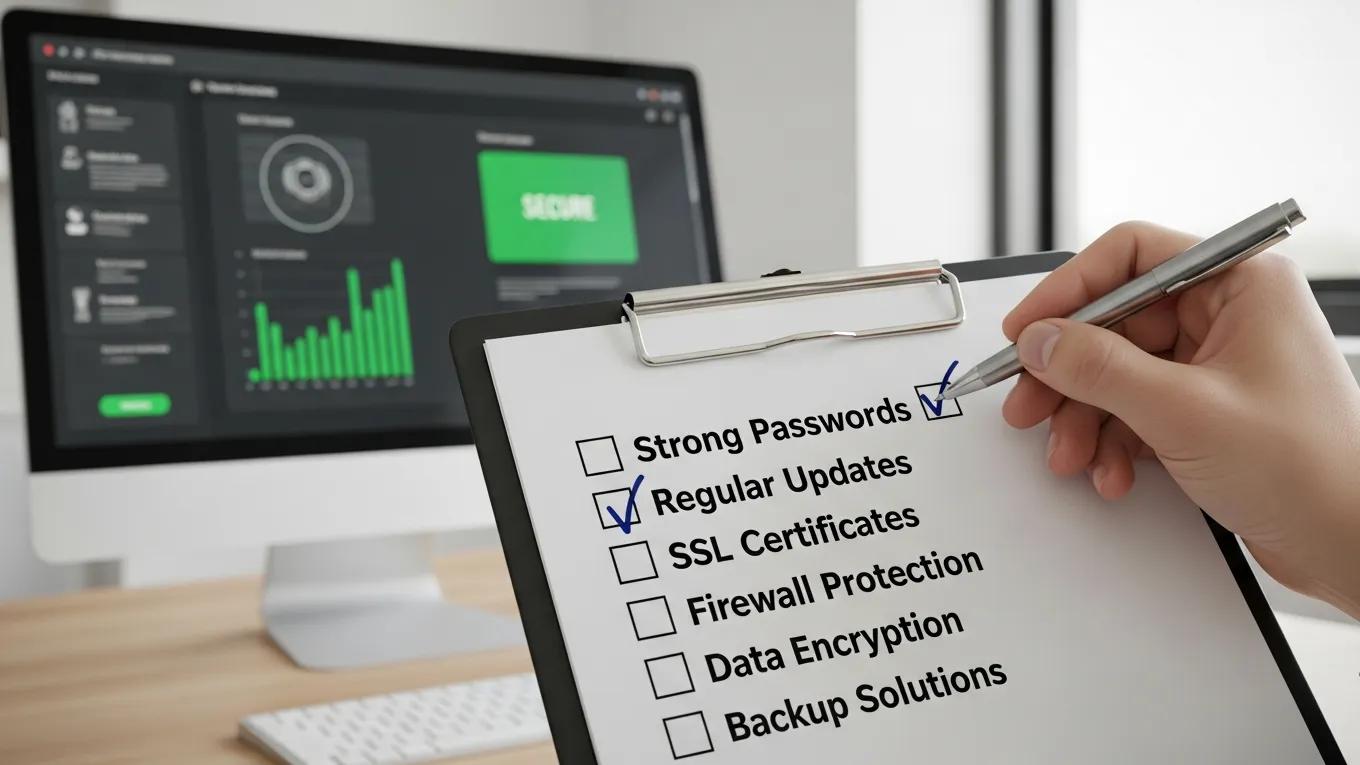
- Use Strong Passwords: Ensure that all passwords are complex and unique to enhance security.
- Regular Updates: Keep your WordPress core, themes, and plugins updated to patch vulnerabilities.
- Install Security Plugins: Utilize security plugins that offer features like firewalls and malware scanning.
Malicious WordPress Plugins: A Major Threat & Remediation
Modern websites owe most of their aesthetics and functionalities to Content Management Systems (CMS) plugins. Attackers abuse this trust by selling malware on legitimate marketplaces, pirating popular plugins, and infecting plugins post-deployment. Our research uncovered 47,337 malicious plugins on 24,931 unique websites, with post-deployment attacks infected $834K worth of previously benign plugins with malware. Our remediation efforts are informed by the fact that over 94% of these malicious plugins are still active today.
Mistrust plugins you must: A {Large-Scale} study of malicious plugins in {WordPress} marketplaces, RP Kasturi, 2022
How to Identify WordPress Hack Symptoms Like Slow Loading and Defaced Pages
- Slow Loading Times: A noticeable decrease in loading speed can indicate that your site is under attack or infected with malware.
- Defaced Pages: If your website displays unfamiliar content or altered layouts, it is a clear sign of a security breach.
Which Unauthorized Activities Indicate Malware Infection on Your Site?
- Unexpected Redirects: If visitors are redirected to unfamiliar sites, it may indicate a malware infection.
- Unfamiliar User Accounts: The presence of unknown user accounts in your admin panel is a strong indicator of unauthorized access.
How Can You Effectively Remove Malware from Your WordPress Website?
- Use Security Tools: Employ reputable security tools that specialize in malware detection and removal.
- Contact Professionals: If the malware is persistent, seeking help from professionals can ensure thorough cleanup and restoration.
What Are the Best Practices to Fix and Recover a Hacked WordPress Site?
- Change All Passwords: Immediately change all passwords associated with your site.
- Contact Professionals: Engage with cybersecurity experts for a comprehensive recovery plan.
- Restore from Backup: If available, restoring your site from a clean backup can expedite recovery.
How to Restore Your WordPress Site and Secure It Against Future Attacks?
- Change All Passwords: Ensure all passwords are updated to prevent further access.
- Implement Monitoring Tools: Use monitoring tools to keep an eye on your website's activity and detect any suspicious behavior.
Why Are Regular Updates and Maintenance Crucial for WordPress Security?
- Patch Vulnerabilities: Updates often include security patches that protect against known vulnerabilities.
- Improve Performance: Regular maintenance can enhance your website's performance and user experience.
How Does Professional WordPress Security Support Protect Your Website?
- Expertise in Security: Professionals have the knowledge and tools to identify and mitigate security threats effectively.
- Proactive Monitoring: Continuous monitoring can help detect threats before they escalate into serious issues.
What Services Does Secure WP Solutions Offer for Ongoing Site Protection?
- Regular Malware Scans: Routine scans to identify and remove malware.
- Firewall Setup: Implementation of firewalls to block unauthorized access.
- Backup Solutions: Reliable backup solutions to ensure data recovery in case of an attack.
How Does Proactive Monitoring and Rapid Incident Response Minimize Risks?
- Early Detection of Threats: Continuous monitoring allows for the early detection of potential threats.
- Quick Response to Incidents: Rapid incident response can mitigate damage and restore functionality quickly.