
Why Updating WordPress Plugins and Themes Is Critical for Website Security
Why Updating WordPress Plugins and Themes Is Critical for Website Security
Essential Security Updates
Risks of Outdated Plugins and Themes
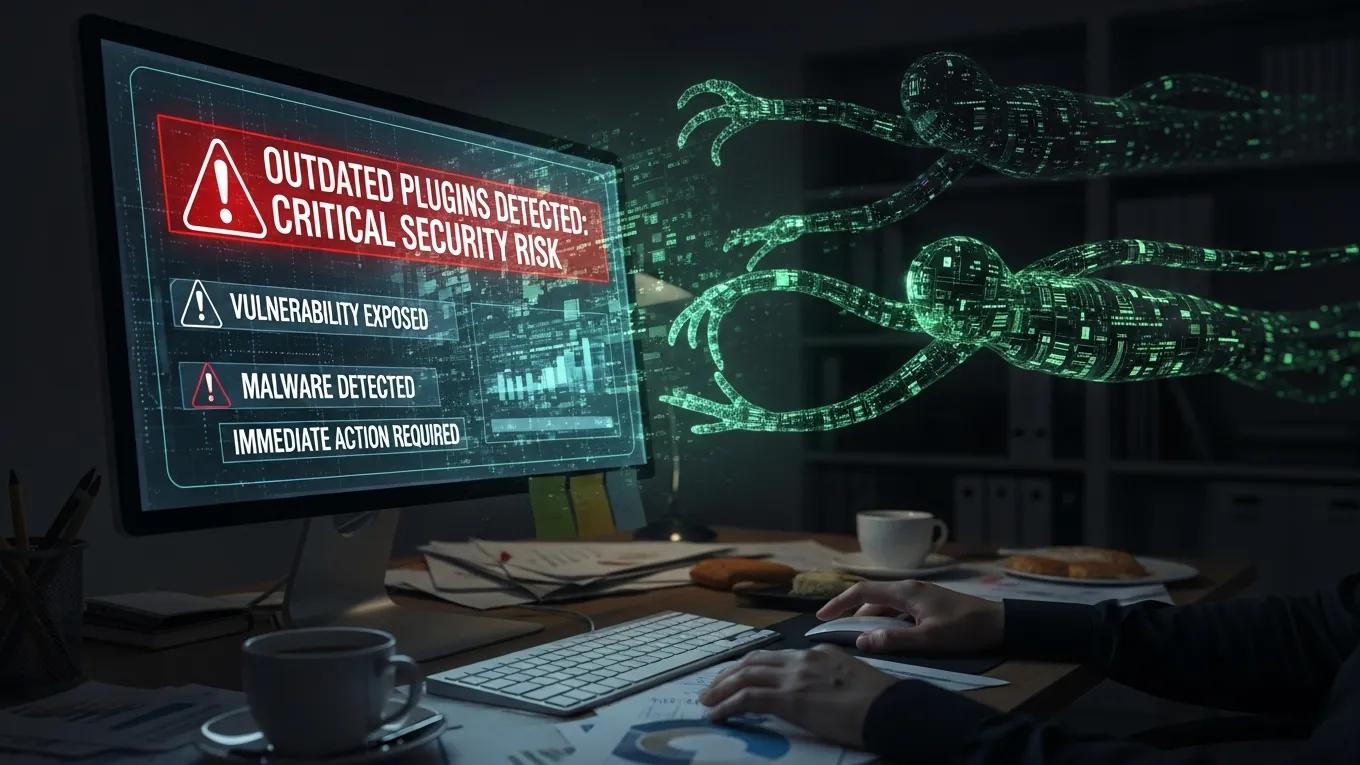
Vulnerabilities Leading to Cyberattacks
Common Threats from Outdated Themes
Recommended Update Frequency
- Weekly Checks: Regularly check for updates to plugins and themes to ensure you are using the latest versions.
- Immediate Application of Critical Updates: Apply critical updates as soon as they are available to protect against known vulnerabilities.
- Monthly Core Updates: Perform monthly checks for WordPress core updates to keep your site running smoothly and securely.
Best Practices for Scheduling Updates
- Backup Before Updates: Always create a backup of your site before applying updates to prevent data loss in case of issues.
- Test Updates in a Staging Environment: Use a staging environment to test updates before applying them to your live site, ensuring compatibility and functionality.
- Monitor for Issues Post-Update: After updates, monitor your site for any issues or errors that may arise, allowing for quick resolution.
| Maintenance Plan | Features | Benefits |
|---|---|---|
| Basic Plan | Monthly updates | Basic security coverage |
| Standard Plan | Weekly updates, backups | Enhanced security and data protection |
| Premium Plan | Daily updates, monitoring | Comprehensive security management |
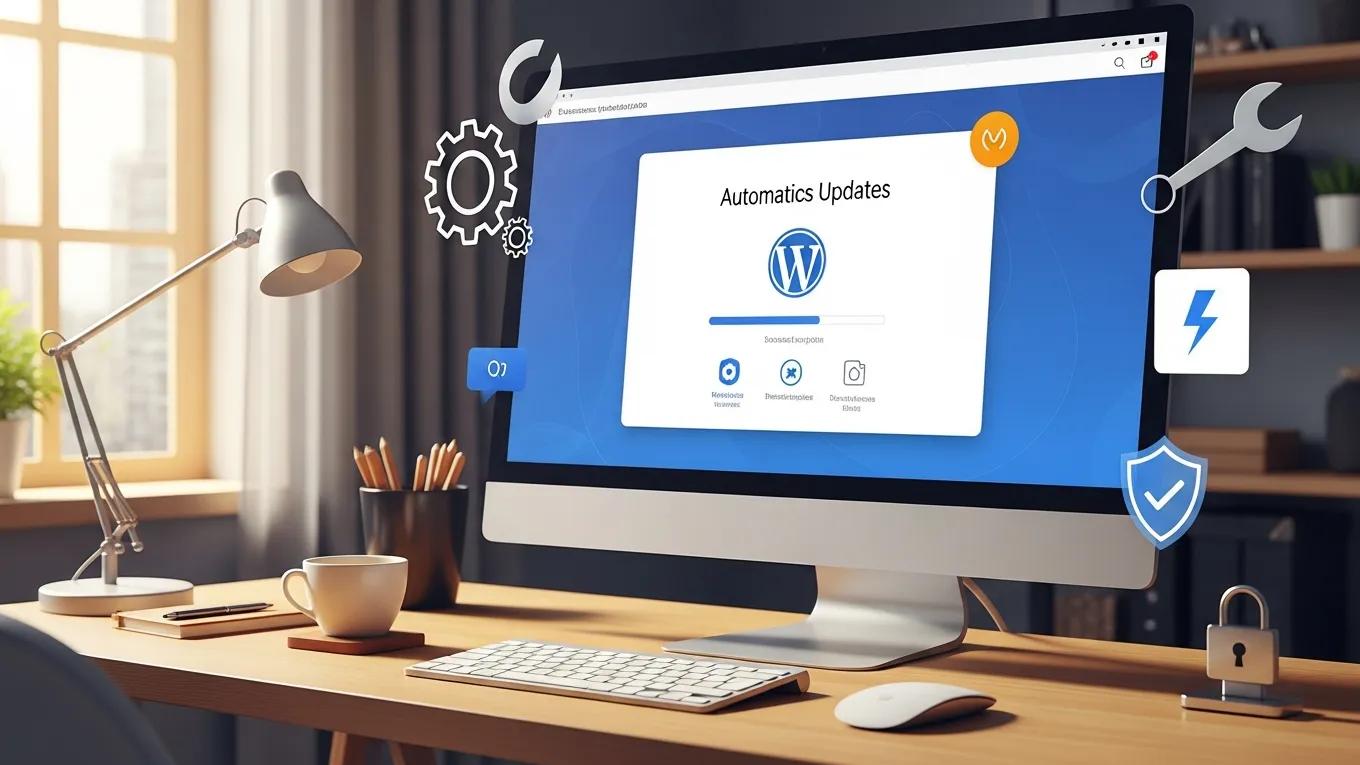
Role of Update Automation
Benefits of Professional WordPress Maintenance Services for Security
- Regular Updates: Ensuring that all plugins and themes are updated promptly to protect against vulnerabilities.
- Expert Monitoring: Continuous monitoring for potential vulnerabilities and threats, allowing for proactive measures.
- Daily Backups: Regular backups to safeguard your data and ensure quick recovery in case of an incident.