
Master WordPress Malware Removal: Your Complete Guide
Complete Guide to WordPress Malware Removal and Website Recovery
Expert Security Services
Effective Malware Removal Techniques

- Immediate Response Actions: If you suspect a malware infection, take your site offline to prevent further damage and protect your visitors.
- Utilizing Security Plugins: Employ security plugins that specialize in malware detection and removal. These tools can help identify and eliminate malicious code effectively.
- Monitoring and Education: Regularly monitor your site for unusual activity and educate yourself about the latest malware threats to stay one step ahead.
How Can You Identify Malware Infections on Your WordPress Site?
- Unexpected Activity: Unexplained changes to your website content or settings may indicate a malware infection.
- Performance Issues: If your site is loading slowly or crashing frequently, it could be a sign of underlying malware.
- Unauthorized Access: If you notice unfamiliar user accounts or unauthorized logins, your site may have been compromised.
What Are the Common Signs of a Hacked WordPress Site?
- Strange Redirects: If visitors are being redirected to unfamiliar websites, your site may be infected.
- Unusual Pop-ups: Frequent pop-ups or ads that you did not place can signal malware presence.
- Changes in Admin Access: If you cannot access your admin panel or notice changes in user roles, it may indicate a hack.
What Are the Step-by-Step Processes for Effective WordPress Malware Removal?
- Change All Passwords: Immediately change your WordPress, database, and hosting passwords to prevent further access.
- Contact Professionals: If the infection is severe, consider reaching out to a professional service like Secure WP Solutions for assistance.
- Scan and Remove Malware: Use a reputable security plugin to scan your site for malware and follow the instructions to remove any detected threats.
Advanced Techniques to Safeguard WordPress Websites Against Malware
The most common safety risks in WordPress are related to for advanced techniques to safeguard WordPress websites against malware and many other threats on WordPress Website.
Enhancing Security of WordPress Websites built on Virtual Machine Using Cloud Computing Technology, 2024
How Do You Recover Your WordPress Site After a Malware Attack?
- Change All Passwords: As with malware removal, changing all passwords is essential for security.
- Contact Professionals: Engage with experts who can assist in the recovery process and ensure all malware is removed.
- Restore from Backup: If you have a recent backup, restore your site to its previous state to eliminate any lingering malware.
What Are the Best Practices for Website Recovery and Restoration?
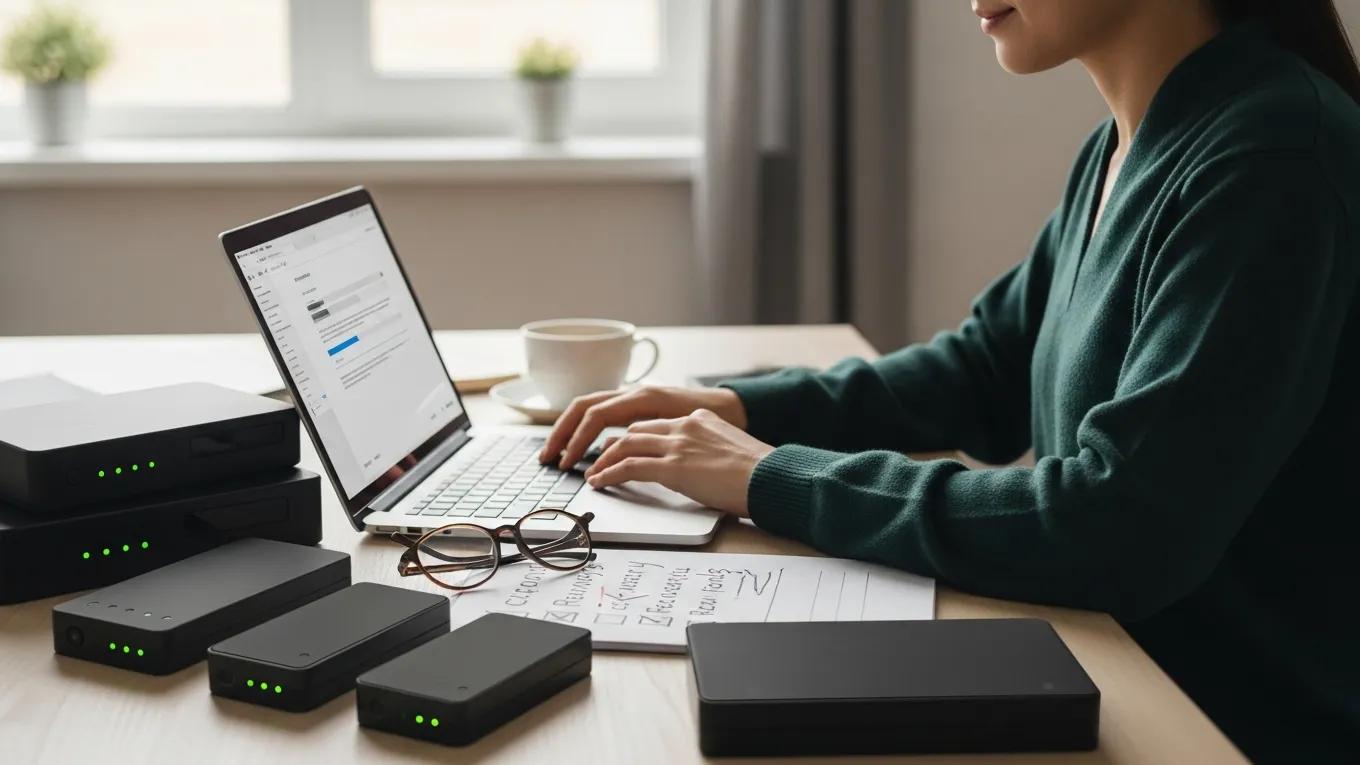
- Backup Restoration: Regularly back up your website to facilitate quick recovery in case of an attack.
- Performance Optimization: After recovery, optimize your site’s performance to prevent future issues.
- Regular Updates: Keep your WordPress core, themes, and plugins updated to protect against vulnerabilities.
Restoring WordPress Websites: Best Practices
WordPress websites and in building WordPress websites, we’ve seen what a perfect fit WordPress that way you can always restore the original file if you need to. Look for the message
Learning from libraries that use WordPress: content-management system best practices and case studies, PA Farrington, 2013
How Can Backups and Security Plugins Facilitate Site Recovery?
- Data Protection: Regular backups ensure that you can restore your site to a previous state without losing critical data.
- Malware Detection: Security plugins can help identify potential threats before they escalate into significant issues.
- Firewall Protection: Implementing a firewall can prevent unauthorized access and protect your site from future attacks.
What Preventative Security Measures and Maintenance Plans Protect Your WordPress Site?
- Regular Backups: Schedule automatic backups to ensure your data is always protected.
- Routine Security Checks: Conduct regular security audits to identify and address vulnerabilities.
- User Education: Educate your team about security best practices to minimize the risk of common mistakes that lead to infections.
How Do Ongoing Security Plans Prevent Future Malware Infections?
- Regular Updates: Keeping your site updated with the latest security patches reduces vulnerabilities.
- Security Monitoring: Continuous monitoring can detect and respond to threats in real-time.
- User Education: Training users on security awareness can prevent common mistakes that lead to infections.
Which Security Plugins and Firewalls Are Recommended for WordPress Protection?
- Wordfence: Offers comprehensive security features, including firewall protection and malware scanning.
- Sucuri: Provides a robust security platform with malware removal and monitoring services.
- iThemes Security: Focuses on strengthening WordPress security through various protective measures.
| Technique | Description | Benefit |
|---|---|---|
| Immediate Response | Taking the site offline | Prevents further damage |
| Security Plugins | Tools for detection and removal | Efficient malware elimination |
| Monitoring | Regular checks for unusual activity | Early threat detection |