
Boost Your Security: WordPress Firewall Protection Explained

WordPress Firewall Protection: Essential Security Beyond Passwords
Why Is Firewall Protection Crucial for WordPress Site Security?
How Does a Firewall Enhance Protection Compared to Passwords Alone?
What Are the Common Threats a WordPress Firewall Prevents?
- Brute Force Attacks: Automated attempts to guess passwords can be thwarted by firewalls that limit login attempts.
- DDoS Attacks: Distributed Denial of Service attacks can overwhelm your server, but firewalls can detect and mitigate these threats.
- SQL Injection: Malicious code can be injected into your database, but firewalls can filter out harmful requests.
What Are the Best Firewall Types and Technologies for WordPress?
Open-Source Web Application Firewall Performance & Protection
Web application firewalls (WAFs) are the primary front-end protection mechanism for Internet-based infrastructure which is constantly under attack. This paper therefore aims to provide more insights into the performance of the most popular open-source WAFs, including ModSecurity, WebKnight, and Guardian, which we hope will complement existing knowledge. The key contribution of this work is an in-depth approach for conducting such a study. Specifically, we combine three testing frameworks: the Imperva’s proprietary benchmark, a generic benchmark using both FuzzDB and Burp test-beds, and testing for common vulnerabilities and exposures (CVE) known exploits. Our experiments show that open source WAFs are not yet totally reliable for protecting web applications despite many advances in the field. ModSecurity appears to be the most balanced open-source solution.
A study of web application firewall solutions, S Prandl, 2015
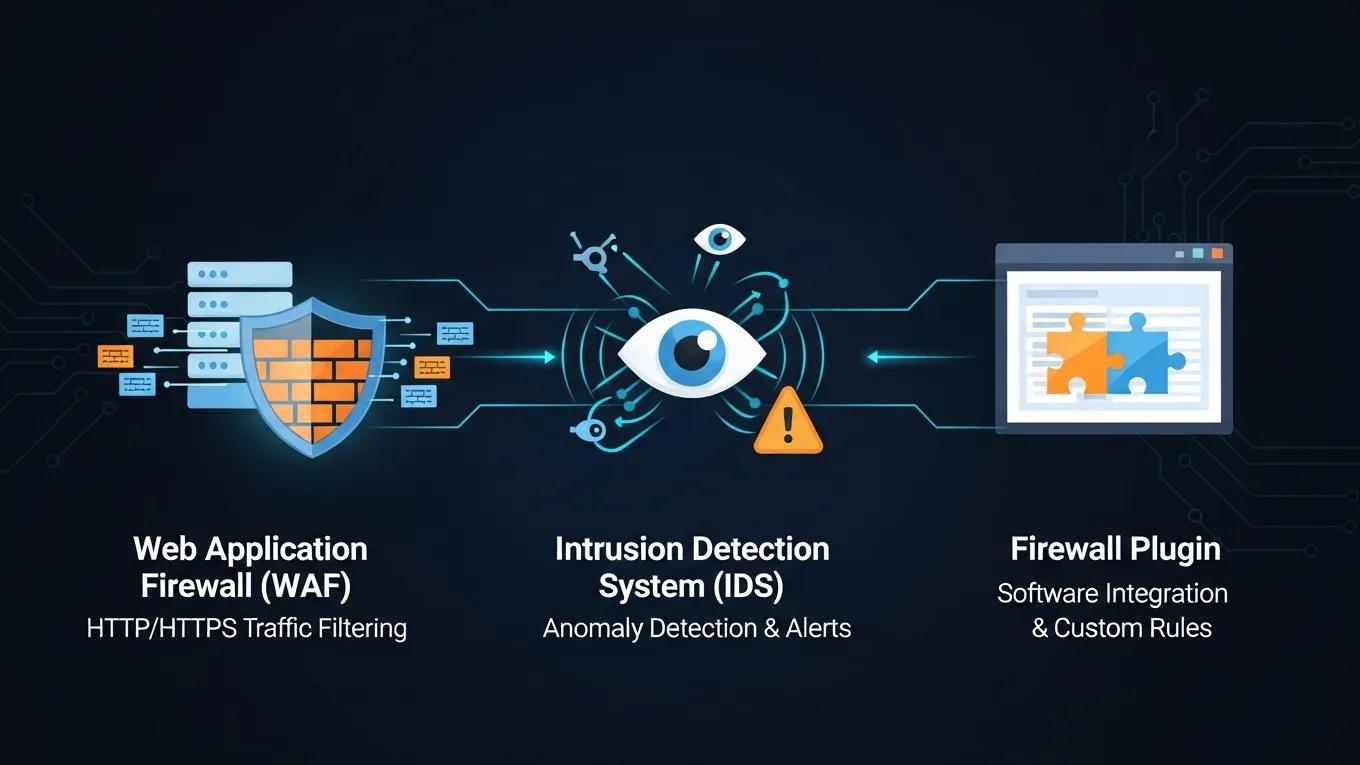
| Firewall Type | Key Features | Benefits |
|---|---|---|
| Web Application Firewall (WAF) | Filters HTTP traffic, protects against SQL injection and XSS | Provides application-level security |
| Intrusion Detection System (IDS) | Monitors network traffic for suspicious activity | Alerts administrators to potential threats |
| Firewall Plugin | Easy integration with WordPress, customizable settings | User-friendly and effective for small sites |
AWS WAF for WordPress Security & Application-Layer Attack Mitigation
There are two main risks that containerised WordPress on AWS has; vulnerable container images and application-layer attacks. Such implementation is organised as the layered defence, which incorporates continuous scanning of the Amazon ECR/Inspector images with additional AWS WAF and EventBridge/Lambda automation. SQLinjection (SQLi) and cross-site-scripting (XSS) tests resulted in 100% blocking of SQLi payloads, and 90.95 percent mitigation of XSS with its managed and internal WordPress-specific rules (/wp-login.php, xmlrpc.php). Compared to a baseline where no WAF or scanning would be in place, the framework significantly increases protection with minimal overhead cost to application runtime, and is a reusable closed-loop pattern that can be applied to any other container-based web application running on AWS.
Enhancing Security of WordPress Containers on AWS: A Multitool Vulnerability Analysis, 2026
How Do Web Application Firewalls and Intrusion Detection Systems Differ?
How Web Application Firewalls Function
Web application firewalls works on the web application layer, packet and look for the web application attacks. It looks for the effectiveness of rules applied.
Critical analysis on web application firewall solutions, A Razzaq, 2013
Which Firewall Features Are Essential for Effective WordPress Protection?
- Threat Prevention: The ability to block known vulnerabilities and attacks.
- Monitoring Features: Real-time traffic analysis to detect unusual patterns.
- User-Friendly Interfaces: Easy-to-navigate dashboards for managing security settings.
How Does Firewall Protection Integrate with WordPress Malware and Login Security?
In What Ways Does a Firewall Support Malware Detection and Removal?
How Does Firewall Protection Prevent Brute Force and Login Attacks?
What Are the Benefits of Ongoing Maintenance and Threat Monitoring Plans?