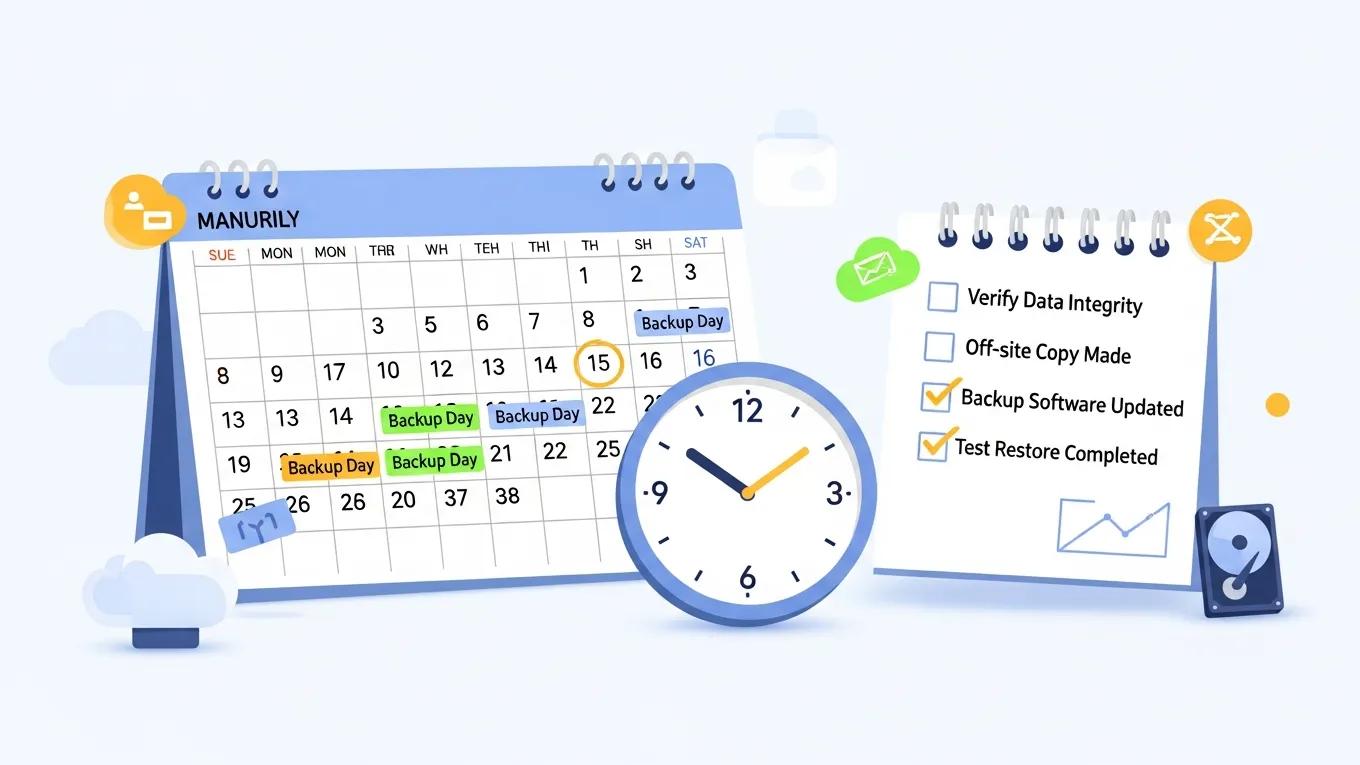
Discover Best Practices for WordPress Backup Services Today

WordPress Backups Explained: How Often Should You Back Up Your Site?

Regular backups are essential for maintaining the integrity and security of your WordPress site. They serve as a safety net against data loss, whether due to accidental deletions, server failures, or cyberattacks. In this article, we will explore the importance of WordPress backups, how often you should back up your site, and the best practices for ensuring your data is secure. Understanding the nuances of backup frequency can help you avoid potential downtime and data loss, which can be detrimental to your online presence. We will also discuss various backup methods and how they can integrate with your overall security strategy.

What Is the Importance of Regular WordPress Backups?

Regular WordPress backups are crucial for ensuring the continuity of your website. They protect against data loss caused by various factors, including human error, server malfunctions, and malicious attacks. By maintaining up-to-date backups, you can quickly restore your site to its previous state, minimizing downtime and preserving your content. This peace of mind allows website owners to focus on growth and engagement rather than worrying about potential data loss.

Recommended Backup Frequency

Determining how often to back up your WordPress site depends on several factors, including site activity and content updates. Here are some general guidelines for backup frequency:

  1. Daily Backups for Active Sites: If your site frequently updates content or receives regular user interactions, daily backups are recommended to ensure no data is lost.
  2. Weekly Backups for Less Active Sites: For sites with infrequent updates, weekly backups can suffice, ensuring that you still have recent data available.
  3. Pre-Update Backups: Always back up your site before making significant changes, such as updates to plugins, themes, or the WordPress core.

How Do Backups Protect Against Data Loss and Downtime?

Backups serve as a critical line of defense against data loss and downtime. In the event of a cyberattack or server failure, having a recent backup allows you to restore your site quickly, minimizing the impact on your business. For instance, if a plugin update causes your site to crash, you can revert to the last stable version with minimal disruption. This quick recovery not only protects your data but also enhances your site’s security posture by allowing you to address vulnerabilities without prolonged downtime.

What Are the Risks of Infrequent Backup Schedules?

Infrequent backup schedules can expose your site to significant risks. The longer the interval between backups, the greater the potential for data loss. If a catastrophic event occurs, you may lose weeks or even months of content, leading to financial implications and reputational damage. Additionally, without regular backups, you may find it challenging to recover from a cyberattack, as you might not have the latest data to restore. This can result in lost customer trust and a decline in site traffic.

How Often Should You Back Up Your WordPress Site?

The frequency of backups should align with your site’s activity level. For most active sites, daily backups are ideal, while static sites can manage with weekly backups. It’s also essential to back up your site before any major updates or changes. This practice ensures that you have a restore point in case something goes wrong during the update process. By tailoring your backup schedule to your site’s needs, you can effectively safeguard your data.

What Backup Frequency Is Recommended for Different Site Types?

Different types of WordPress sites have varying backup needs. Here’s a breakdown of recommended backup frequencies based on site types:

  • E-commerce Sites: Daily backups are crucial due to frequent transactions and updates.
  • Blogs and News Sites: Depending on posting frequency, daily to weekly backups are advisable.
  • Portfolio Sites: Weekly backups may suffice if content updates are infrequent.
  • Static Sites: Monthly backups can be adequate for sites with minimal changes.

How Does Site Update Rate Influence Backup Scheduling?

The rate at which you update your site significantly influences your backup schedule. Sites that undergo frequent updates, such as e-commerce platforms or news websites, require daily backups to capture all changes. Conversely, sites with infrequent updates can adopt a less aggressive backup strategy. Understanding your site’s update rate helps in establishing a backup routine that minimizes data loss while optimizing resource use.

Which WordPress Backup Methods and Plugins Are Most Effective?

Several backup methods and plugins can help streamline the backup process. Popular options include:

  • UpdraftPlus: A widely used plugin that offers scheduled backups and cloud storage options.
  • BackupBuddy: A premium solution that provides comprehensive backup features and easy restoration.
  • VaultPress: A subscription-based service that offers real-time backups and security scanning.

These tools can simplify the backup process, ensuring that your data is consistently protected.

How Can WordPress Backups Integrate with Security and Recovery Plans?

Integrating backups with your overall security and recovery plans enhances your site’s resilience. Regular backups should be part of a broader strategy that includes security measures such as firewalls, malware scanning, and regular updates. By combining these elements, you can create a robust defense against potential threats, ensuring that your site remains operational even in the face of challenges.

What Are the Benefits of Combining Backup and Security Services?

Combining backup and security services offers several advantages:

  1. Comprehensive Protection: A unified approach ensures that both data and site integrity are maintained.
  2. Streamlined Recovery: In the event of an incident, having both services integrated allows for quicker recovery times.
  3. Cost-Effectiveness: Bundling services can often lead to reduced costs compared to purchasing them separately.

This integrated strategy not only protects your data but also enhances your site’s overall security posture.

How Do Managed Backup Services Support Rapid Site Recovery?

Managed backup services provide automated solutions that enhance recovery speed. These services typically include:

  • Automated Backups: Regular backups without manual intervention ensure that your data is always up to date.
  • Off-Site Storage: Storing backups in secure, off-site locations protects against local disasters.
  • Regular Testing: Managed services often include testing of backup integrity, ensuring that your data can be restored when needed.

By utilizing managed backup services, you can ensure that your site is prepared for any eventuality, allowing for rapid recovery and minimal downtime.

Secure WP Solutions
Privacy Overview

This website uses cookies so that we can provide you with the best user experience possible. Cookie information is stored in your browser and performs functions such as recognising you when you return to our website and helping our team to understand which sections of the website you find most interesting and useful.