How Brute Force Attacks Target WordPress Login Pages
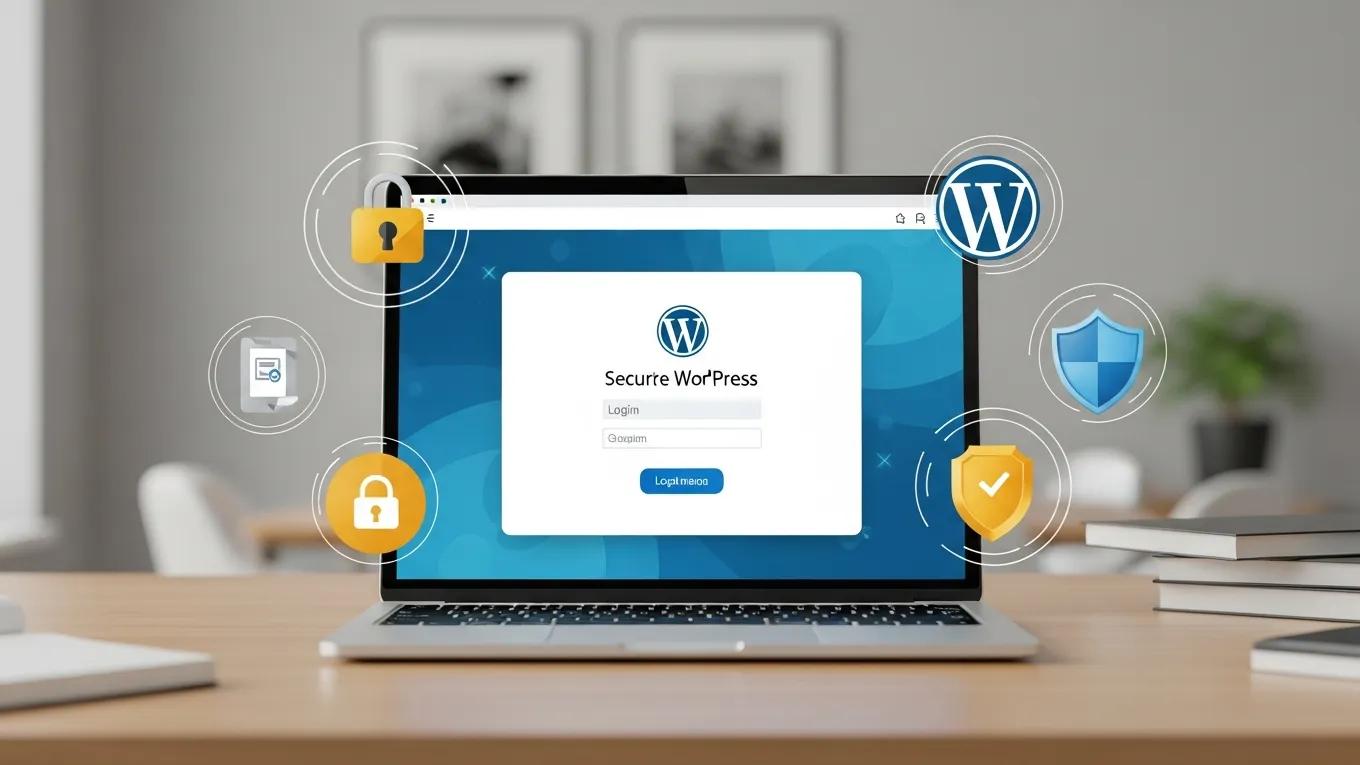
Secure WordPress login page displayed on a laptop, featuring cybersecurity symbols like a padlock, shield, and document, emphasizing login security against brute force attacks.

Secure WordPress Logins Against Brute Force Attacks

Brute force attacks are a prevalent threat to WordPress login pages, where attackers use automated tools to guess usernames and passwords. Understanding how these attacks work and implementing effective security measures is crucial for WordPress site owners. This article will explore the nature of brute force attacks, prevention strategies, and best practices for safeguarding login credentials. By addressing these issues, site owners can significantly reduce the risk of unauthorized access and protect their valuable content. We will also discuss the importance of professional security services and maintenance plans, particularly from Secure WP Solutions, to enhance your site’s defenses.

Understanding Attack Methods

Brute force attacks involve systematically attempting various username and password combinations until the correct credentials are found. Attackers often utilize automated tools that can execute thousands of login attempts per minute, targeting common usernames and weak passwords. This method exploits the lack of security measures on many WordPress sites, making them easy targets. Understanding these attack methods is essential for developing effective defenses against them.

Prevention Strategies

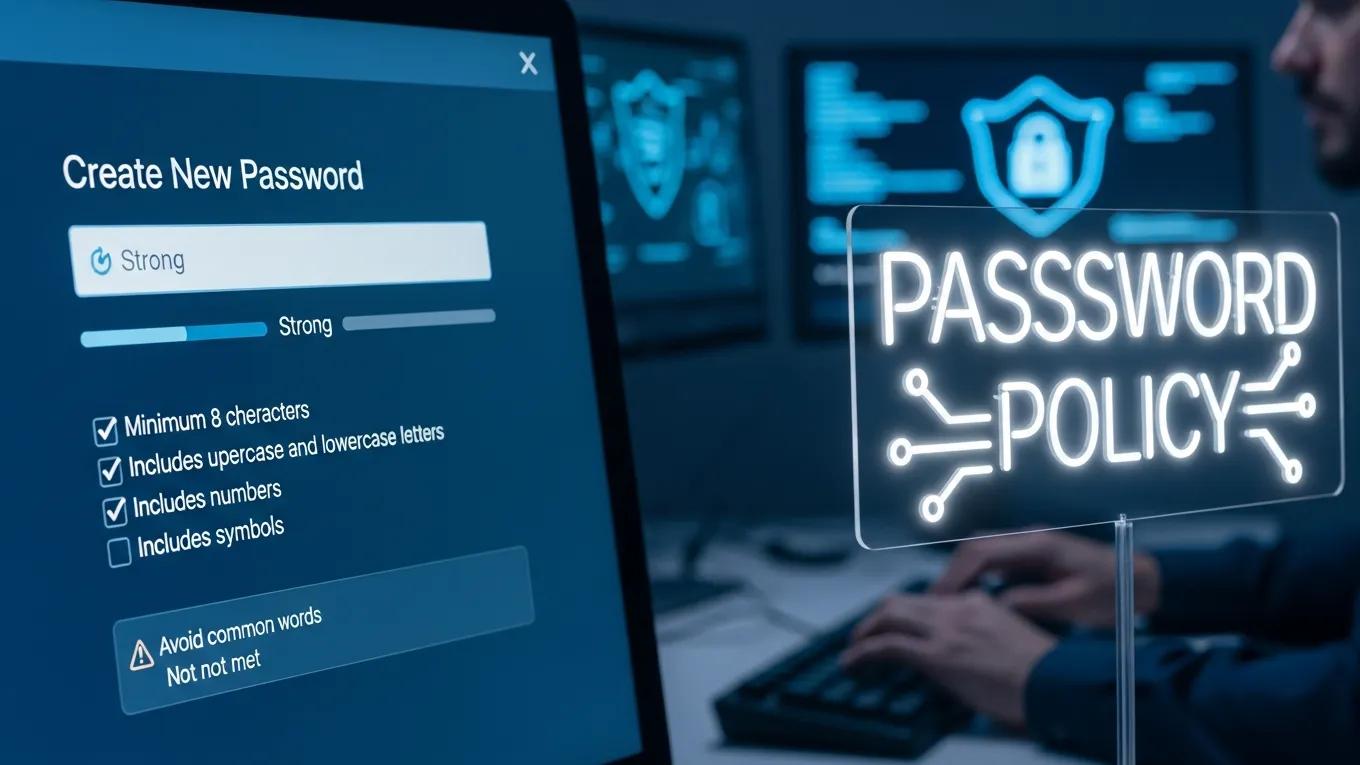
Person creating a strong password on a computer, with a visible password policy sign outlining security requirements for effective login protection against brute force attacks.

To effectively prevent brute force attacks on WordPress login pages, site owners should implement several key strategies:

  1. Strong Password Policies: Encourage the use of complex passwords that combine letters, numbers, and special characters to enhance security.
  2. Limit Login Attempts: Implement measures to restrict the number of login attempts from a single IP address, which can deter attackers.
  3. Use of Security Plugins: Security plugins can provide additional layers of protection, such as monitoring login attempts and blocking suspicious activity.

Secure WP Solutions offers comprehensive security plans that include these preventive measures, ensuring that your WordPress site remains secure against brute force attacks.

How Do WordPress Security Plugins Protect Against Login Attacks?

WordPress security plugins are designed to enhance the security of your site by providing features such as login attempt monitoring, IP blocking, and two-factor authentication. Popular plugins like Wordfence and Sucuri can automatically block IP addresses that exhibit suspicious behavior, significantly reducing the risk of successful brute force attacks. Regular updates to these plugins ensure that they remain effective against evolving threats.

What Role Does Two-Factor Authentication Play in Login Security?

Two-factor authentication (2FA) adds an extra layer of security by requiring users to provide a second form of verification, such as a code sent to their mobile device, in addition to their password. This mechanism greatly reduces the likelihood of unauthorized access, as even if an attacker obtains a password, they would still need the second factor to gain entry. Implementing 2FA is a highly recommended practice for all WordPress site owners.

Best Practices for Safeguarding Login Credentials

To further protect login credentials, site owners should adopt the following best practices:

  • Educate Users on Phishing: Regularly inform users about phishing tactics and how to recognize suspicious emails or links.
  • Regular Backups: Ensure that backups of the site are performed regularly, allowing for quick recovery in case of a security breach.
  • Monitoring Access Logs: Keep an eye on access logs to identify any unusual login attempts or patterns that may indicate an attack.

What Are Brute Force Attacks on WordPress Login Pages?

Brute force attacks on WordPress login pages are attempts to gain unauthorized access by systematically guessing login credentials. Attackers often use automated tools that can try numerous combinations in a short period. The impact of these attacks can be severe, leading to compromised accounts, data loss, and damage to the site’s reputation. Understanding the mechanics of these attacks is crucial for effective prevention.

How Do Brute Force Attacks Exploit WordPress Login Vulnerabilities?

Attackers exploit vulnerabilities in WordPress login systems by using automated tools that can perform dictionary attacks or credential stuffing. Dictionary attacks involve trying common passwords, while credential stuffing uses previously leaked username-password pairs. These methods can be highly effective against sites that do not implement strong security measures.

What Are the Common Signs of a Brute Force Attack on WordPress?

Common signs of a brute force attack include:

  • Unusual Login Attempts: A sudden spike in login attempts from a single IP address can indicate an ongoing attack.
  • Increased Traffic from Specific IPs: Monitoring traffic patterns can help identify malicious activity.
  • Failed Login Notifications: Frequent notifications of failed login attempts can signal that an attacker is trying to gain access.

Why Are Professional WordPress Security and Maintenance Plans Essential?

Professional WordPress security and maintenance plans are essential for protecting your site from brute force attacks and other cyber threats. These plans typically include regular security audits, updates, and monitoring services that help identify vulnerabilities before they can be exploited. Secure WP Solutions specializes in providing tailored security services that cater to the needs of small to medium-sized businesses.

How Do Maintenance Plans Mitigate Brute Force Attack Risks?

Maintenance plans help mitigate the risks of brute force attacks by ensuring that all software is up to date and security measures are in place. Regular updates to WordPress core, themes, and plugins can close security gaps that attackers might exploit. Additionally, ongoing monitoring can detect and respond to suspicious activity in real-time.

What Benefits Do Small and Medium Businesses Gain from Security Services?

Small and medium businesses can benefit significantly from professional security services, including:

  • Enhanced Security: Comprehensive security measures protect against various cyber threats.
  • Cost-Effectiveness: Investing in security services can save businesses from costly breaches and downtime.
  • Performance Optimization: Regular maintenance ensures that the site runs smoothly, improving user experience and engagement.

How Can WordPress Site Owners Monitor and Respond to Brute Force Attacks?
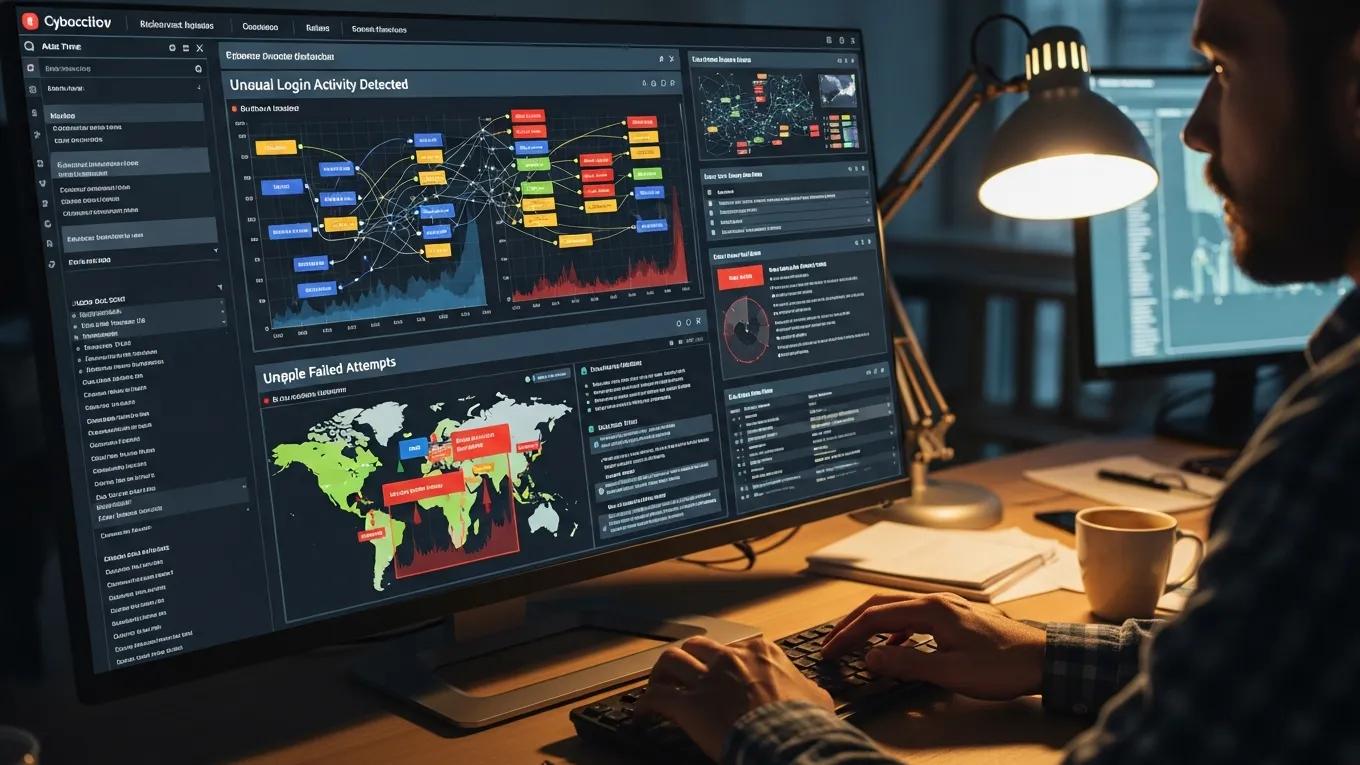
Computer screen displaying security monitoring dashboard with alerts for unusual login activity, failed login attempts, and global threat maps, emphasizing cybersecurity for WordPress sites.

Monitoring and responding to brute force attacks is crucial for maintaining the security of WordPress sites. Site owners should implement tools and strategies to detect and respond to potential threats effectively.

Which Tools Provide Continuous Security Monitoring for WordPress Logins?

Several tools can provide continuous security monitoring for WordPress logins, including:

  • Wordfence: Offers real-time monitoring and alerts for suspicious activity.
  • Sucuri: Provides comprehensive security solutions, including malware scanning and firewall protection.
  • iThemes Security: Enhances login security with features like two-factor authentication and login attempt limits.

What Are Best Practices for Updating and Hardening WordPress Login Pages?

To harden WordPress login pages, site owners should follow these best practices:

  • Regular Updates: Keep WordPress core, themes, and plugins updated to the latest versions.
  • Security Configurations: Implement security configurations such as changing the default login URL and disabling XML-RPC if not needed.
  • User Training: Educate users on secure login practices and the importance of strong passwords.

By implementing these strategies and considering professional services from Secure WP Solutions, WordPress site owners can significantly enhance their login security and protect against brute force attacks.

Further research emphasizes the critical role of comprehensive hardening techniques in preventing unauthorized access and mitigating vulnerabilities in WordPress environments.

WordPress Hardening for Authentication & Unauthorized Access Prevention

This paper provides a review of the most common vulnerabilities observed in WordPress-based environments and discusses hardening techniques including update management, permission restrictions, authentication strengthening, and security monitoring. The analysis indicates that the absence of hardening measures leads to an increased risk of unauthorized access, malware infections, and operational an

Analysis of Vulnerabilities and Consequences of Missing Hardening in WordPress-Based CMS Environments, 2025

GDPR logo in white text on a blue background, representing compliance with data protection regulations for Secure WP Solutions' website.
Privacy Overview

This website uses cookies so that we can provide you with the best user experience possible. Cookie information is stored in your browser and performs functions such as recognising you when you return to our website and helping our team to understand which sections of the website you find most interesting and useful.