
How Malware Removal Services Help Recover Infected WordPress Websites
How WordPress Security Services Facilitate Effective Malware Removal and Site Recovery
Role of WordPress Security Services in Malware Removal
Cybersecurity Leaders Choose WordPress: Malware Detection & Vulnerability Management
It might surprise some that a security company would choose WordPress as their primary content management system. For a company whose products detect malware and vulnerabilities in others’ systems, it might seem counterintuitive to select a platform that has historically been a target for attackers.
Why a Cybersecurity Leader Chose WordPress: The Malwarebytes Case Study, 2025
Techniques and Tools Used
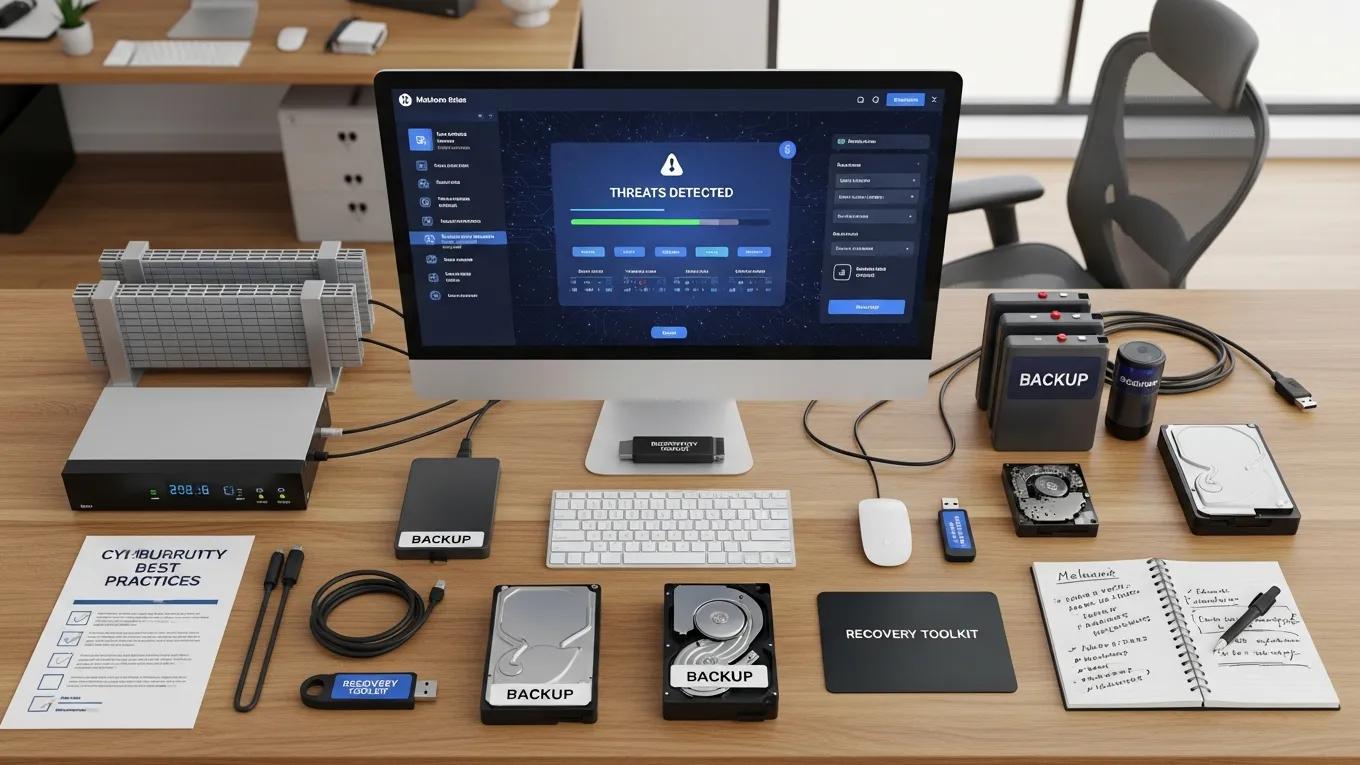
- Malware Detection Tools: These tools scan websites for known vulnerabilities and malicious code, providing an initial assessment of security health.
- Firewall Protection: Firewalls act as a barrier between the website and potential threats, blocking unauthorized access and filtering harmful traffic.
- Backup Solutions: Regular backups are crucial for restoring websites to their pre-infection state, allowing for quick recovery without data loss.
Best Practices for Effective Malware Removal and Site Recovery
- Change All Passwords: Immediately update all passwords associated with the website, including admin accounts and database access.
- Contact Professionals: Engage with experienced security services to conduct a thorough malware scan and removal process.
- Regular Updates: Keep WordPress, themes, and plugins updated to protect against known vulnerabilities.
What Are the Common Signs of a Malware-Infected WordPress Site?
- Unexpected Redirects: Users may be redirected to unfamiliar websites, indicating potential malware presence.
- Slow Site Performance: A sudden decrease in site speed can signal underlying issues, including malware.
- Unfamiliar User Accounts: The appearance of unknown user accounts in the admin panel is a strong indicator of a security breach.
How to Identify WordPress Virus and Malware Symptoms Early
- Regular Monitoring: Consistently check site performance and user activity to spot anomalies.
- Use Security Plugins: Implement security plugins that provide real-time monitoring and alerts for suspicious activities.
- Conduct Regular Scans: Schedule routine scans to identify vulnerabilities and malware before they escalate.
What Are the Risks of Ignoring WordPress Hack Indicators?
- Data Breaches: Sensitive information may be compromised, leading to legal and financial repercussions.
- Reputation Damage: Customers may lose trust in a brand that suffers from security breaches, impacting long-term business success.
- SEO Penalties: Search engines may penalize infected sites, resulting in decreased visibility and traffic.
What Is the Professional Malware Cleanup Process for WordPress Sites?
- Initial Assessment: Security experts conduct a thorough evaluation of the site to identify the extent of the infection.
- Malware Scanning: Advanced tools are used to scan for and detect all forms of malware present on the site.
- Data Restoration: After cleaning the site, professionals restore any lost or corrupted data from backups.
Malware Remediation Strategies: System Recovery & Data Restoration
The goal of a remediation strategy is not only to remove the malware that has been installed during the infection, but also to recover the original state of the compromised system. This includes restoring data, configurations, and ensuring that no backdoors or persistent threats remain.
Malware Mitigation and Remediation Strategies, D Bruschi, 2009
Which Steps Are Involved in Expert WordPress Virus Removal?
- Change All Passwords: Update all access credentials to prevent further unauthorized access.
- Scan for Malware: Utilize specialized tools to identify and remove malicious code.
- Remove Malware: Experts will eliminate all detected malware and vulnerabilities from the site.
How Do Security Plugins and Tools Aid in Malware Removal?
- Malware Detection and Removal: Many plugins automatically scan for and remove malware, simplifying the cleanup process.
- Vulnerability Scanning: These tools identify potential weaknesses in the site that could be exploited by attackers.
- Proactive Monitoring: Continuous monitoring helps detect threats in real-time, allowing for immediate action.
WordPress Security Plugins: Automated Malware Removal & Threat Protection
This information is crucial for users to choose the right security plugin that can effectively protect their WordPress sites from various threats or to automatically remove malware. This information is also useful for developers to improve their plugins and add new features. It is a minimum requirement for plugins to have malware scanners. The authors conducted experiments with the Sucuri plugin to test its effectiveness and obtain results.
Analysis of modern security plugins for wordpress, A Aleksieva-Petrova, 2024
How Do WordPress Security Maintenance Plans Prevent Future Infections?

- Regular Malware Scans: Scheduled scans help identify and address vulnerabilities before they can be exploited.
- Ongoing Security Monitoring: Continuous oversight ensures that any suspicious activity is detected and addressed promptly.
- Routine Updates: Keeping all components of the site updated minimizes the risk of exploitation through known vulnerabilities.
What Features Are Included in Effective WordPress Site Recovery Plans?
- Regular Backups: Automated backups ensure that data can be restored quickly in the event of an infection.
- Routine Security Checks: Regular assessments help identify potential vulnerabilities and address them proactively.
- Professional Assistance: Access to expert support during recovery ensures that the process is handled efficiently and effectively.
Why Is Continuous Security Monitoring Essential After Malware Removal?
- Early Detection of Threats: Ongoing monitoring helps identify new threats before they can cause significant damage.
- Peace of Mind: Knowing that the site is being monitored provides reassurance to business owners and customers alike.
- Improved Site Integrity: Regular checks help maintain the overall health and security of the website.
What Are the Costs and Benefits of Professional WordPress Hack Repair Services?
- Monthly Fees: Many services operate on a subscription model, providing ongoing support and monitoring.
- Expertise and Time Savings: Hiring professionals saves time and ensures that the site is handled by experts.
- Ongoing Support: Access to continuous support helps address any future issues quickly.
How Does Investing in Malware Removal Impact Website ROI?
- Cost-Effectiveness: Preventing malware infections reduces the potential costs associated with data breaches and recovery.
- Improved Performance: A secure website performs better, leading to increased traffic and conversions.
- Long-Term Savings: Investing in security measures now can save businesses from costly repairs and reputational damage in the future.
What Should Small Businesses Expect When Hiring WordPress Security Services?
- Service Offerings: A range of services, including malware removal, monitoring, and maintenance plans.
- Typical Timelines: Clear timelines for service delivery and expected outcomes.
- Potential Outcomes: Improved security posture and reduced risk of future infections.