
How to Tell If Your WordPress Site Has Been Hacked
How to Detect if Your WordPress Site Has Been Hacked
Common Signs of Hacking:

- Unusual Activity: If you notice unexpected changes in your site’s content or layout, it may indicate unauthorized access.
- Performance Issues: A sudden slowdown in your site’s performance can be a sign of malware or other security issues.
- Unauthorized Access: If you find new user accounts that you did not create, this is a clear indication of a security breach.
Preventive Measures:
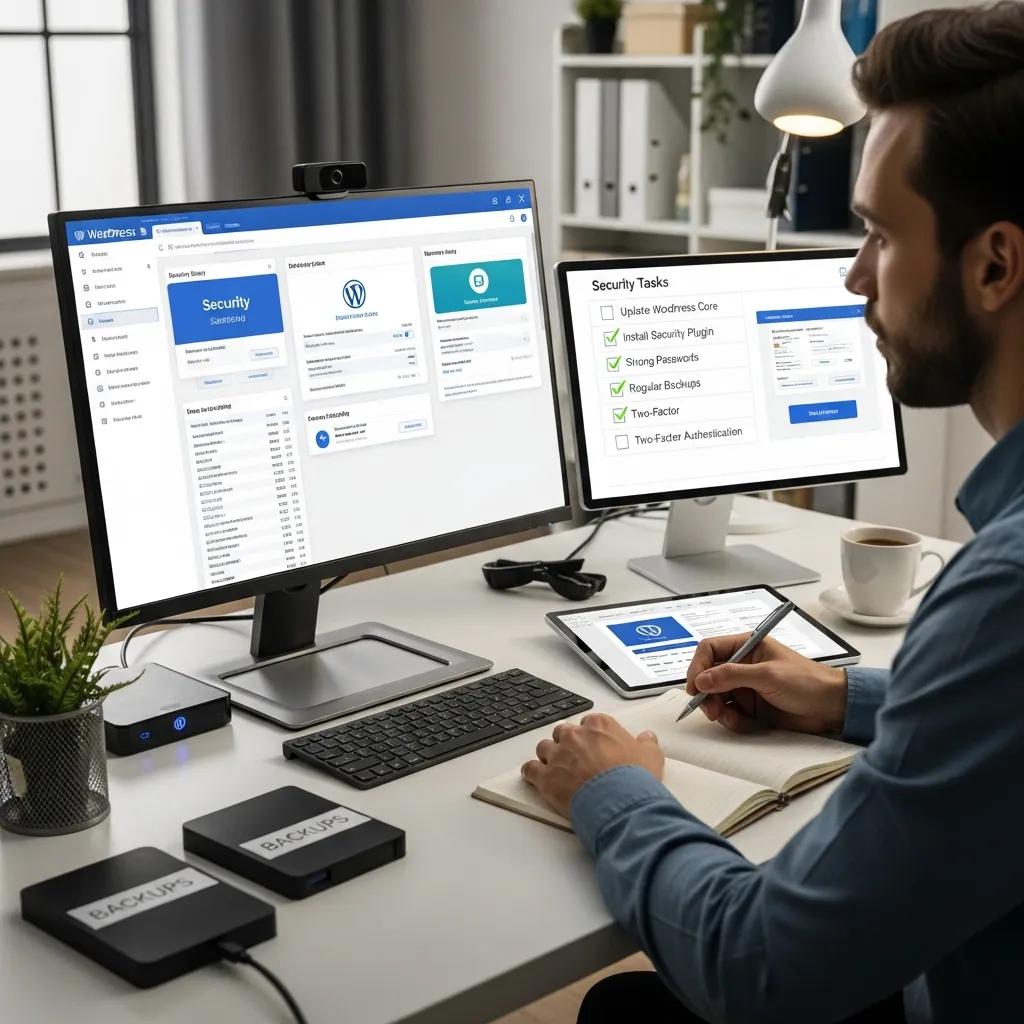
- Use Strong Passwords: Ensure that all accounts associated with your site use complex passwords to prevent unauthorized access.
- Regular Updates: Keep your WordPress core, themes, and plugins updated to patch vulnerabilities that hackers may exploit.
- Install Security Plugins: Utilize reliable security plugins that offer firewall protection and malware scanning to enhance your site’s defenses.
Steps for Recovery:
- Change All Passwords: Immediately change passwords for your WordPress admin, database, and hosting accounts to prevent further access.
- Contact Professionals: Reach out to a security expert for a thorough assessment and recovery plan. Secure WP Solutions specializes in restoring hacked WordPress sites and can provide the necessary expertise.
- Scan and Remove Malware: Use security plugins to scan your site for malware and remove any malicious code found.
How Can You Perform a WordPress Security Scan to Detect Malware?
- Use Security Plugins: Install security plugins that offer malware detection features. These tools can help identify vulnerabilities and potential threats.
- Interpret Scan Results: Understand the results of your scans to identify any issues that need addressing.
- Identify Vulnerabilities: Regularly check for outdated plugins or themes that could expose your site to attacks.
Which Tools and Plugins Are Effective for WordPress Malware Detection?
- Wordfence: Offers comprehensive security features, including firewall protection and malware scanning.
- Sucuri: Provides a robust security platform with malware detection and removal services.
- iThemes Security: Focuses on strengthening your site’s security through various protective measures.
How to Interpret Scan Results and Identify Vulnerabilities
- Common Vulnerabilities: Look for indications of outdated plugins or themes, which are often exploited by hackers.
- Next Steps After Scanning: If vulnerabilities are identified, take immediate action to update or remove the affected components.
WordPress Security Scanning Tools & Plugin Vulnerabilities
92% of the vulnerabilities found in the WordPress-powered websites are due to the third-party plugins and programming errors. This paper conducts a critical review of popular tools designed to automate the process of testing the security of WordPress websites by evaluating their effectiveness, ease of use, and overall value. It provides an overview of the current state of WordPress security and the importance of regular testing.
A Critical Review of WordPress Security Scanning Tools and the Development of a Next-Generation Solution, 2023
When to Consider Professional WordPress Maintenance and Security Services
- Frequent Security Breaches: If your site has been hacked multiple times, it may be time to seek expert help.
- Lack of Technical Knowledge: If you are unsure about how to secure your site, professionals can provide the necessary expertise.
- Time Constraints: If managing your site’s security is taking too much time, outsourcing this task can be beneficial.
How Can Preventative Maintenance Help Protect Your WordPress Site from Future Hacks?
- Regular Updates: Keeping your site updated ensures that you are protected against known vulnerabilities.
- Security Checks: Routine security checks can identify potential threats before they become serious issues.
- User Education: Educating users about security best practices can further enhance your site’s defenses.
What Are the Benefits of Regular Vulnerability Scanning and Updates?
- Identifying Vulnerabilities: Scanning helps you discover weaknesses in your site’s security.
- Patching Security Flaws: Regular updates ensure that any identified vulnerabilities are addressed promptly.
- Improved Performance: Keeping your site updated can enhance its overall performance and user experience.
Which WordPress Security Plans Offer Reliable Ongoing Protection?
- Regular Updates: Ensure the plan includes automatic updates for WordPress core, themes, and plugins.
- Security Monitoring: Continuous monitoring for suspicious activity is essential for early threat detection.
- Performance Optimization: A good security plan should also focus on maintaining your site’s performance.