What Happens When You Stop Updating WordPress Plugins?

What Happens When You Stop Updating WordPress Plugins?
Neglecting to update WordPress plugins can lead to significant security vulnerabilities and performance issues. As plugins are essential for enhancing the functionality of a WordPress site, outdated versions may harbor known security flaws that hackers can exploit. This article will explore the consequences of not updating plugins, including security risks, compatibility issues, and best practices for maintaining a secure WordPress environment. By understanding these factors, website owners can better protect their sites and ensure optimal performance.

What Are the Security Risks of Not Updating WordPress Plugins?

Failing to update WordPress plugins exposes websites to various security risks. Outdated plugins can contain known vulnerabilities that hackers exploit to gain unauthorized access. For instance, research indicates that approximately 94% of vulnerabilities found in WordPress-powered websites stem from third-party plugins. This can lead to severe consequences, including malware infections and data breaches, which can compromise sensitive user information and damage a site’s reputation.

How Do Outdated Plugins Create Vulnerabilities?
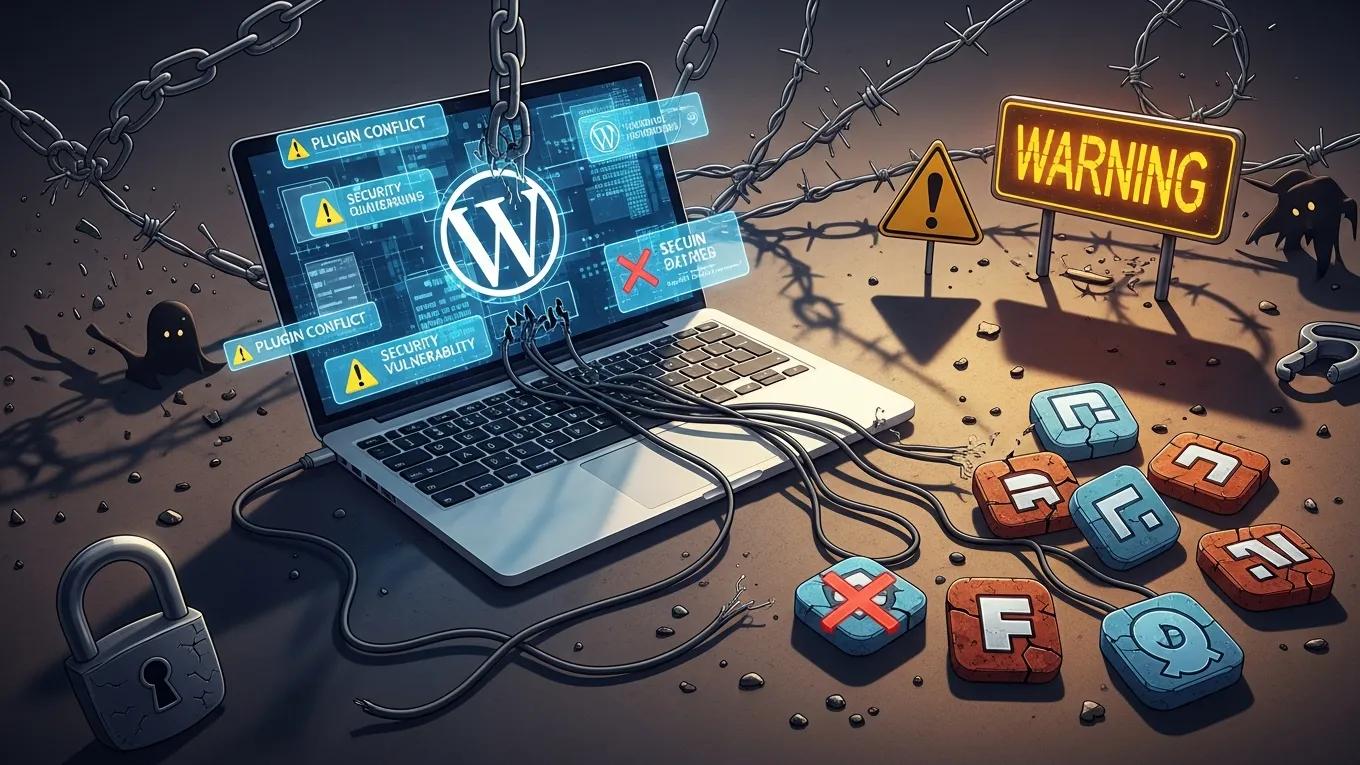
Outdated plugins create vulnerabilities primarily through unpatched security flaws. When developers release updates, they often include security patches that address these vulnerabilities. If a plugin is not updated, it may remain susceptible to attacks that exploit these weaknesses. Additionally, compatibility issues with the WordPress core can arise, leading to further security risks and potential site errors.

What Recent Statistics Highlight Plugin-Related Security Breaches?

Recent statistics underscore the importance of regular plugin updates. Over 80% of WordPress site hacks are attributed to outdated plugins. This alarming figure highlights the critical need for website owners to prioritize plugin maintenance as part of their overall security strategy. Regular updates not only protect against known vulnerabilities but also enhance the overall functionality and performance of the site.

How Do Plugin Compatibility Issues Affect WordPress Site Performance?

Plugin compatibility issues can significantly impact WordPress site performance. When plugins are outdated, they may not function efficiently with the latest WordPress core updates, leading to speed issues and potential functionality loss. This degradation in performance can negatively affect user experience, resulting in higher bounce rates and lower engagement.

What Problems Arise from Incompatible or Outdated Plugins?

Incompatible or outdated plugins can lead to several problems, including:

  1. Compatibility Issues: Outdated plugins may conflict with newer versions of WordPress, causing errors and site instability.
  2. Security Vulnerabilities: They are often a common entry point for hackers, increasing the risk of data breaches.
  3. Performance Degradation: Slow-loading plugins can hinder site performance, affecting user experience.

These issues highlight the necessity of keeping plugins updated to maintain a secure and efficient website.

How Can Plugin Conflicts Impact Website Stability?

Plugin conflicts can severely impact website stability by causing critical site errors and loss of functionality. When multiple plugins attempt to perform similar tasks or interact with the same resources, conflicts can arise, leading to site crashes or features that do not work as intended. This instability can frustrate users and deter them from returning to the site.

What Are the Best Practices for Safely Updating WordPress Plugins?

To ensure a smooth updating process, consider the following best practices:

  1. Regular Update Schedule: Establish a routine for checking and updating plugins to minimize security risks.
  2. Testing in Staging Environments: Before applying updates to the live site, test them in a staging environment to identify potential conflicts.
  3. Backup Strategies: Always back up your site before performing updates to safeguard against data loss.

By following these practices, website owners can effectively manage plugin updates while minimizing risks.

How Often Should WordPress Plugins Be Updated?

WordPress plugins should ideally be updated as soon as new versions are released. This ensures that any security vulnerabilities are addressed promptly. Additionally, regular updates help maintain compatibility with the latest WordPress core updates, enhancing overall site performance.

What Strategies Help Automate and Manage Plugin Updates?

Automating plugin updates can save time and reduce the risk of human error. Consider implementing the following strategies:

  1. Regular Backups: Schedule automatic backups to ensure data safety before updates.
  2. Staging Environment Testing: Use staging environments to test updates before applying them to the live site.
  3. Monitoring Tools: Utilize monitoring tools to track plugin performance and receive alerts for necessary updates.

These strategies can streamline the update process and enhance site security.

How Can Professional WordPress Maintenance Services Prevent Plugin Update Risks?

Professional WordPress maintenance services can significantly mitigate the risks associated with plugin updates. These services typically offer:

  1. Regular Updates and Backups: Ensuring that plugins are consistently updated while maintaining backups to prevent data loss.
  2. Expert Troubleshooting: Providing expert support to resolve any issues that arise during the update process.
  3. Proactive Monitoring: Continuously monitoring the site for vulnerabilities and performance issues.

By leveraging these services, website owners can focus on their core business while ensuring their site remains secure and functional.

What Features Do Maintenance Plans Offer to Secure Plugins?

Maintenance plans often include several features designed to secure plugins, such as:

  1. Regular Updates: Ensuring all plugins are up-to-date with the latest security patches.
  2. Expert Support: Access to professionals who can troubleshoot and resolve issues quickly.
  3. Testing in Staging Environments: Safeguarding against potential conflicts by testing updates before deployment.

These features are essential for maintaining a secure and efficient WordPress site.

How Do Maintenance Services Address Plugin Vulnerabilities and Compatibility?

Maintenance services address plugin vulnerabilities and compatibility issues through regular security audits and performance optimization. By conducting thorough assessments, these services can identify potential risks and implement necessary updates to mitigate them. Additionally, customized maintenance plans can be tailored to meet the specific needs of a website, ensuring optimal performance and security.

Secure WP Solutions
Privacy Overview

This website uses cookies so that we can provide you with the best user experience possible. Cookie information is stored in your browser and performs functions such as recognising you when you return to our website and helping our team to understand which sections of the website you find most interesting and useful.