
What Is the Difference Between Major and Minor WordPress Updates?
Understanding the Difference Between Major and Minor WordPress Updates: A Guide to Update Types and Best Practices
What Defines a Major WordPress Update?
Which Features and Security Enhancements Are Included in Major Updates?
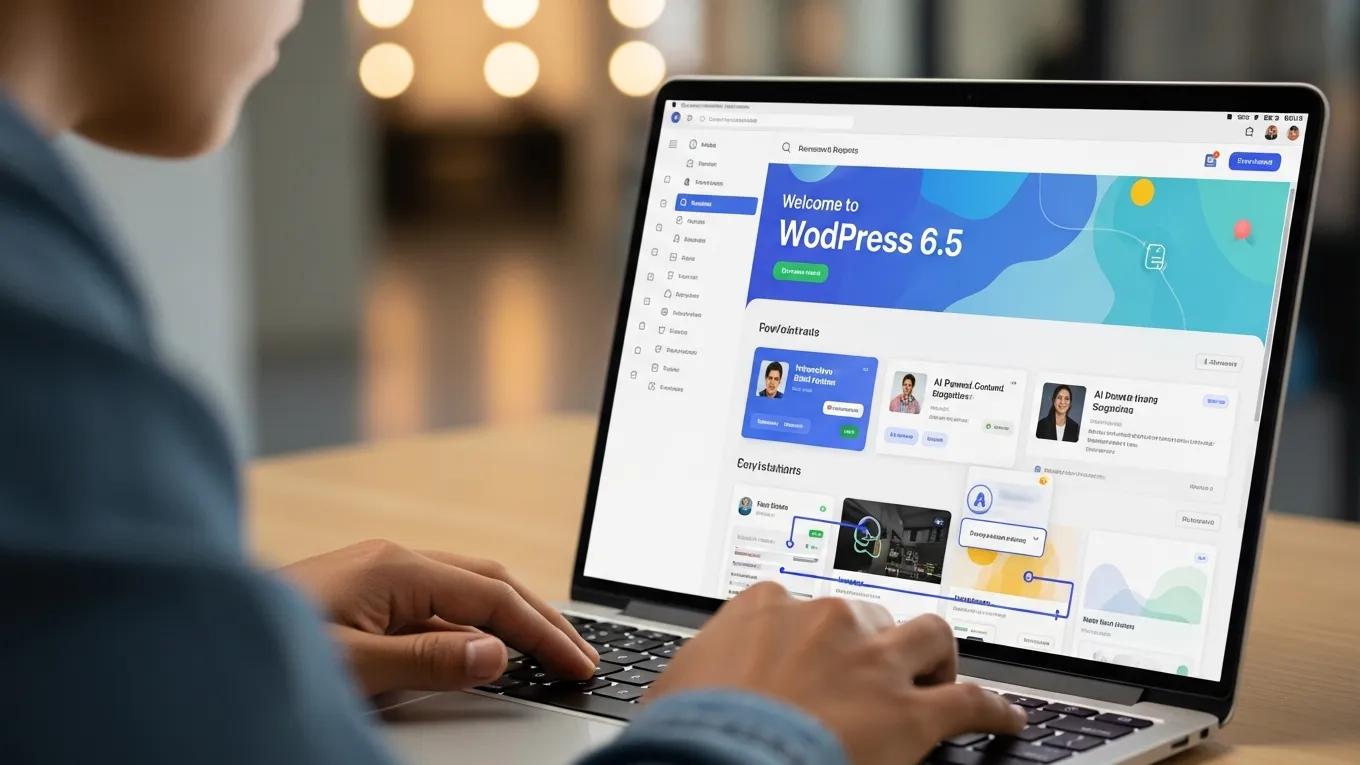
- New User Interfaces: Enhancements to the dashboard and editing interfaces improve user experience.
- Performance Improvements: Updates often include optimizations that enhance site speed and responsiveness.
- Security Enhancements: Major updates frequently address vulnerabilities, ensuring that the platform remains secure against emerging threats.
How Often Are Major WordPress Updates Released?
Software Upgrade Timing: Lifecycle Management Decisions
Life‐cycle management of software products is a complex task. In this context, the timing of upgrades is one of the most difficult decisions a manager must make.
Product life‐cycle management of packaged software, A Mehra, 2014
What Characterizes Minor WordPress Updates and Their Importance?
WordPress Updates: Addressing Security & Bugs
Refer to the WordPress and updated to address security problems and bugs.
Using WordPress as a library content management system, PA Farrington, 2011
What Types of Bug Fixes and Maintenance Are Addressed in Minor Updates?

- Bug Fixes: Resolving minor glitches that may affect site functionality.
- Security Patches: Addressing vulnerabilities that could be exploited by malicious actors.
- Compatibility Improvements: Ensuring that themes and plugins work seamlessly with the latest version of WordPress.
Why Are Minor Updates Essential for WordPress Security and Stability?
- Mitigate Security Risks: Addressing vulnerabilities promptly reduces the risk of attacks.
- Enhance Stability: Fixing bugs ensures that websites function correctly, providing a better user experience.
- Maintain Compatibility: Regular updates help ensure that themes and plugins remain compatible with the latest version of WordPress.
WordPress Plugin Vulnerabilities & Security Bulletins
to characterize vulnerabilities caused by plugins in web-based systems. To this end, we went over WordPress vulnerability bulletins cataloged by the National Vulnerability Database as
Understanding vulnerabilities in plugin-based web systems: an exploratory study of wordpress, M Viana, 2018
What Risks and Benefits Are Associated with Skipping WordPress Updates?
How Can Skipping Major Updates Affect Website Security and Functionality?
- Increased Vulnerability: Major updates often include critical security patches that protect against known threats. Skipping these updates can leave sites open to attacks.
- Loss of Functionality: New features introduced in major updates may enhance site performance. Without these updates, websites may miss out on important improvements.
- Compatibility Issues: As plugins and themes are updated, they may require the latest version of WordPress to function correctly. Skipping updates can lead to compatibility problems.
What Are the Consequences of Ignoring Minor Maintenance Updates?
- Performance Degradation: Unresolved bugs can lead to slower site performance and a poor user experience.
- Increased Security Risks: Minor updates often address vulnerabilities that could be exploited by attackers. Neglecting these updates increases the risk of a security breach.
- User Frustration: A website that frequently experiences issues due to outdated software can frustrate users, leading to decreased traffic and engagement.
How Does Secure WP Solutions Manage WordPress Updates for Optimal Security?
What Maintenance Plans Does Secure WP Solutions Offer for Update Management?
- Regular Updates: Scheduled updates for both major and minor releases to ensure websites remain secure and functional.
- Backup Services: Regular backups to protect against data loss during the update process.
- Performance Monitoring: Continuous monitoring of website performance to identify and address issues promptly.
How Does Expert Update Handling Prevent Downtime and Security Issues?
- Staging Environments: Testing updates in a staging environment before applying them to live sites to ensure compatibility and functionality.
- Proactive Monitoring: Continuous monitoring of website performance and security to identify potential issues before they escalate.
- User Communication: Keeping clients informed about upcoming updates and their implications for site performance.