

Why Every WordPress Website Needs a Monthly Maintenance Plan

Monthly WordPress Maintenance Plan: Vital for Security & Performance
Importance of Monthly Maintenance
Website Security: Outdated CMS Vulnerabilities
security vulnerabilities in Content Management Systems, in the category ’Outdated and Vulnerable Components’, in order to raise awareness in the field of website security.
Vulnerabilities in Outdated Content Management Systems: An Analysis of the Largest WordPress Websites., 2023
Key Benefits
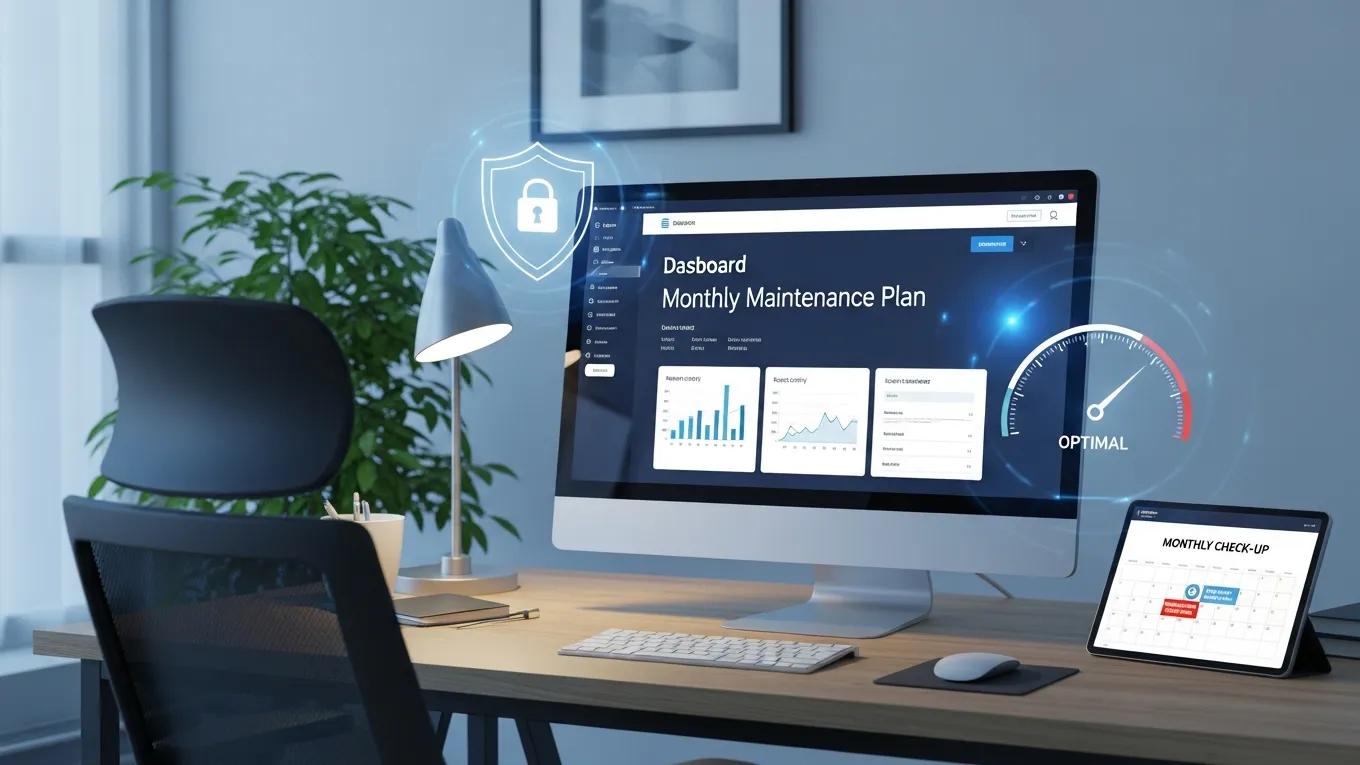
- Enhanced Security: Regular updates and security checks help protect against vulnerabilities and cyber threats.
- Improved Performance: Routine optimization ensures that the website runs smoothly, reducing load times and enhancing user experience.
- Peace of Mind: Knowing that the website is being monitored and maintained allows owners to focus on their business without worrying about technical issues.
Essential Components of a Maintenance Plan
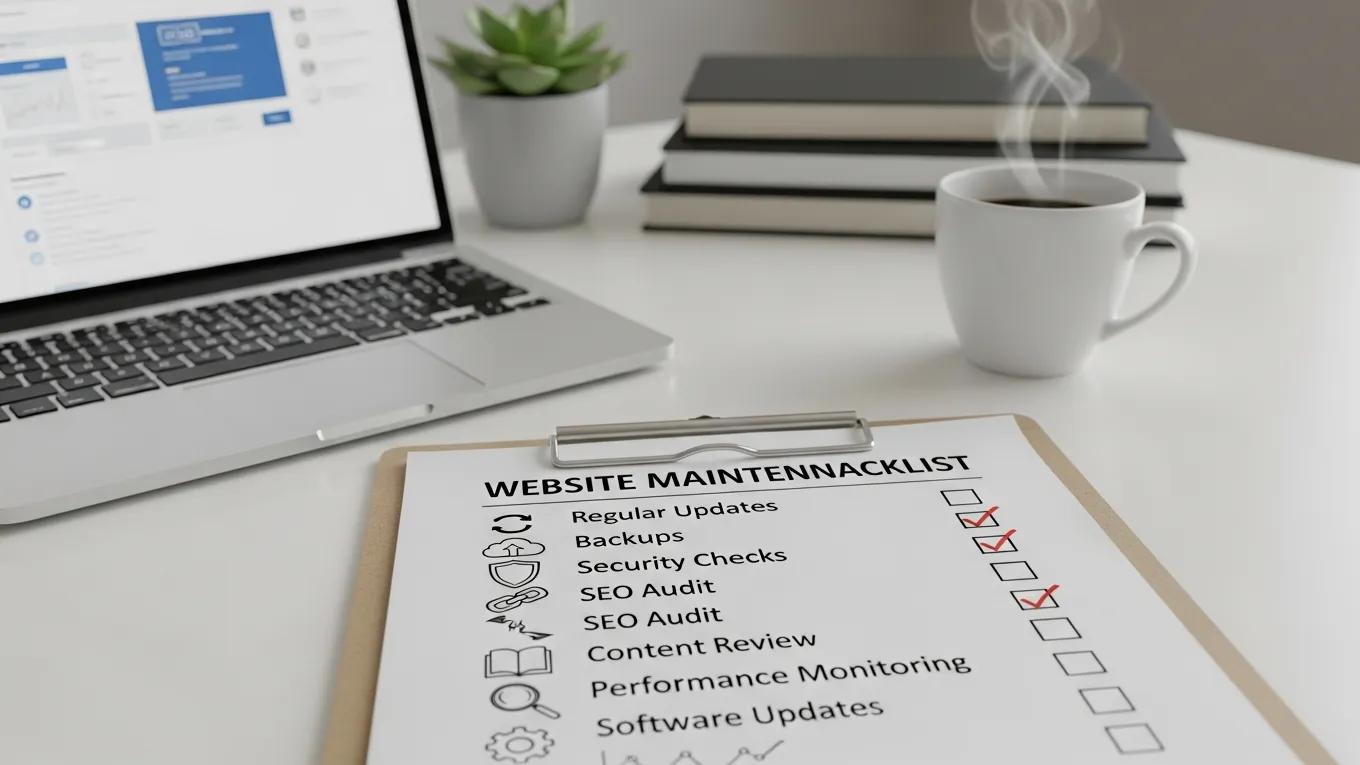
- Regular Updates: Keeping WordPress core, themes, and plugins updated is crucial for security and functionality.
- Backups: Implementing a reliable backup solution ensures that data can be restored in case of loss or corruption.
- Security Checks: Regular security scans help identify and mitigate potential threats before they can cause harm.
WordPress Security Scanner Plugin Efficacy
efficacy of affordable security tools that vulnerabilities in WordPress powered websites [28], we particularly investigate the ability of the security scanner plugins in detecting vulnerable
Plugins to detect vulnerable plugins: An empirical assessment of the security scanner plugins for wordpress, MF Zibran, 2021
| Component | Description | Frequency |
|---|---|---|
| Regular Updates | Update WordPress core, themes, and plugins | Monthly |
| Backups | Create backups of the website data | Weekly |
| Security Checks | Perform security scans and vulnerability assessments | Monthly |
Best Practices for Effective Maintenance
- Schedule Regular Updates: Establish a routine for updating WordPress core, themes, and plugins to minimize security risks.
- Implement Strong Security Measures: Use security plugins and firewalls to protect against cyber threats.
- Monitor Performance: Regularly check website speed and functionality to ensure optimal user experience.
Cost-Effective WordPress Maintenance Automation
WordPress website maintenance strategies and tools to automate and supplement manual testing while trying to be cost-effective
How small and medium-sized enterprises work on WordPress website maintenance and resource-efficient strategies and tools for automation, 2025