

Why Regular WordPress Backups Are Essential for Business Websites

Why Regular WordPress Backups Are Essential for Business Websites: Reliable Backup Solutions for Data Protection
Importance of Reliable Backup Solutions for Data Protection
WordPress Maintenance & Automated Backup Strategies for SMEs
This thesis explores WordPress website maintenance strategies and tools to automate and supplement manual testing while trying to be cost-effective and have the WordPress websites
How small and medium-sized enterprises work on WordPress website maintenance and resource-efficient strategies and tools for automation, 2025
Potential Risks Associated with Data Loss

Best Practices for Implementing Effective Backup Strategies
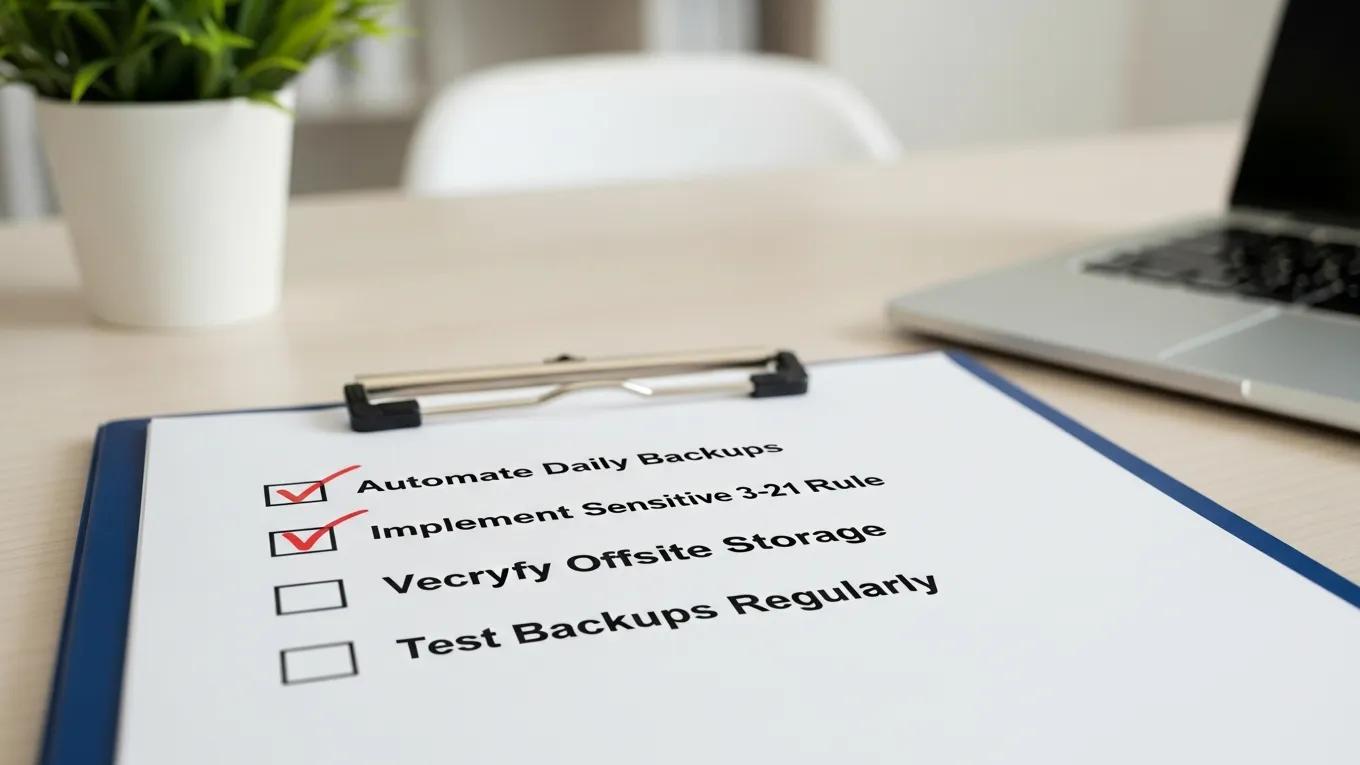
- Automate Daily Backups: Setting up automated backups ensures that data is consistently saved without relying on manual intervention.
- Utilize Off-Site Cloud Storage: Storing backups in the cloud protects data from local disasters and provides easy access for recovery.
- Regularly Test Backups: Periodically testing backup restoration processes ensures that data can be recovered quickly and effectively when needed.
What Are the Key Benefits of Regular WordPress Backups for Business Websites?
How Do Backups Support Business Continuity and Data Security?
Operational Resilience & Backup Supply for Robust Systems
Results indicate that desired resilience and robustness levels are achievable by trading off different design parameters, such as redundancy, node recovery time and backup supply available. The nonlinear relationship between network parameters and resilience levels confirms the utility of the proposed approach, which is of benefit to analysts and designers of complex systems and networks.
Operational resilience: concepts, design and analysis, AA Ganin, 2016
What Risks Do Regular Backups Mitigate for WordPress Sites?
- Hacking: In the event of a security breach, backups allow for a quick restoration to a secure state.
- Server Failures: Hardware malfunctions can lead to data loss; backups ensure that data is not permanently lost.
- Human Errors: Mistakes in data entry or updates can be corrected by restoring from a previous backup.
How Can Automated WordPress Backup Solutions Enhance Website Protection?
What Are the Advantages of Automated Backup Scheduling?
- Efficiency: Saves time by eliminating the need for manual backups.
- Data Security: Ensures that backups are performed regularly without fail.
- Improvements in Recovery Time: Quick access to the latest backups reduces downtime during recovery.
Which Cloud and Local Storage Options Secure Backup Data Effectively?
- Cloud Storage: Services like Amazon S3 and Google Drive offer scalable solutions for storing backups off-site.
- Local Storage: External hard drives and network-attached storage (NAS) devices provide quick access to backups but may be vulnerable to local disasters.
What Are Best Practices for WordPress Backup Frequency and Disaster Recovery?
- Daily Backups for Active Sites: Websites with frequent updates should be backed up daily to capture all changes.
- Automated Systems: Implementing automated backup solutions ensures consistency and reliability.
- Regular Testing: Testing the restoration process helps identify any issues before a real recovery is needed.
How Often Should Business Websites Perform WordPress Backups?
What Steps Are Involved in Effective WordPress Disaster Recovery Planning?
- Identify Critical Data: Determine which data is essential for business operations.
- Establish Backup Procedures: Create a schedule for regular backups and choose appropriate storage solutions.
- Test Recovery Processes: Regularly test the restoration of backups to ensure they work as intended.
How to Choose the Right WordPress Backup Service for Your Business Website?
- Automated Daily Backups: Look for services that offer automated solutions to ensure consistency.
- Off-Site Cloud Storage: Ensure that the service provides secure off-site storage options.
- Regular Testing: Choose a service that allows for regular testing of backup restorations.
What Features Differentiate Reliable WordPress Backup Plugins and Services?
- Automated Daily Backups: Essential for ensuring data is consistently saved.
- Off-Site Storage: Protects data from local disasters.
- Regular Testing Options: Allows businesses to verify the integrity of their backups.
How Do Backup Services Integrate with Security and Maintenance Plans?
| Backup Solution | Key Features | Pricing |
|---|---|---|
| Secure WP Solutions | Automated backups, off-site storage | Contact for pricing |
| UpdraftPlus | Scheduled backups, cloud storage integration | Free with premium options |
| BackupBuddy | Complete site backups, migration features | Starts at $80/year |