How Hackers Target WordPress Sites (And How to Stop Them)
How Hackers Target WordPress Sites and How to Stop Them: Essential Security Methods and Best Practices

WordPress is a popular platform for website creation, but its widespread use makes it a prime target for hackers. Understanding how hackers exploit vulnerabilities in WordPress sites is crucial for website owners. This article will delve into common attack methods, essential security measures, and best practices for prevention. By addressing these areas, you can significantly enhance your site’s security and protect your valuable data. We will also discuss recovery steps if your site is compromised and highlight the importance of professional services in maintaining security.

Common Attack Methods

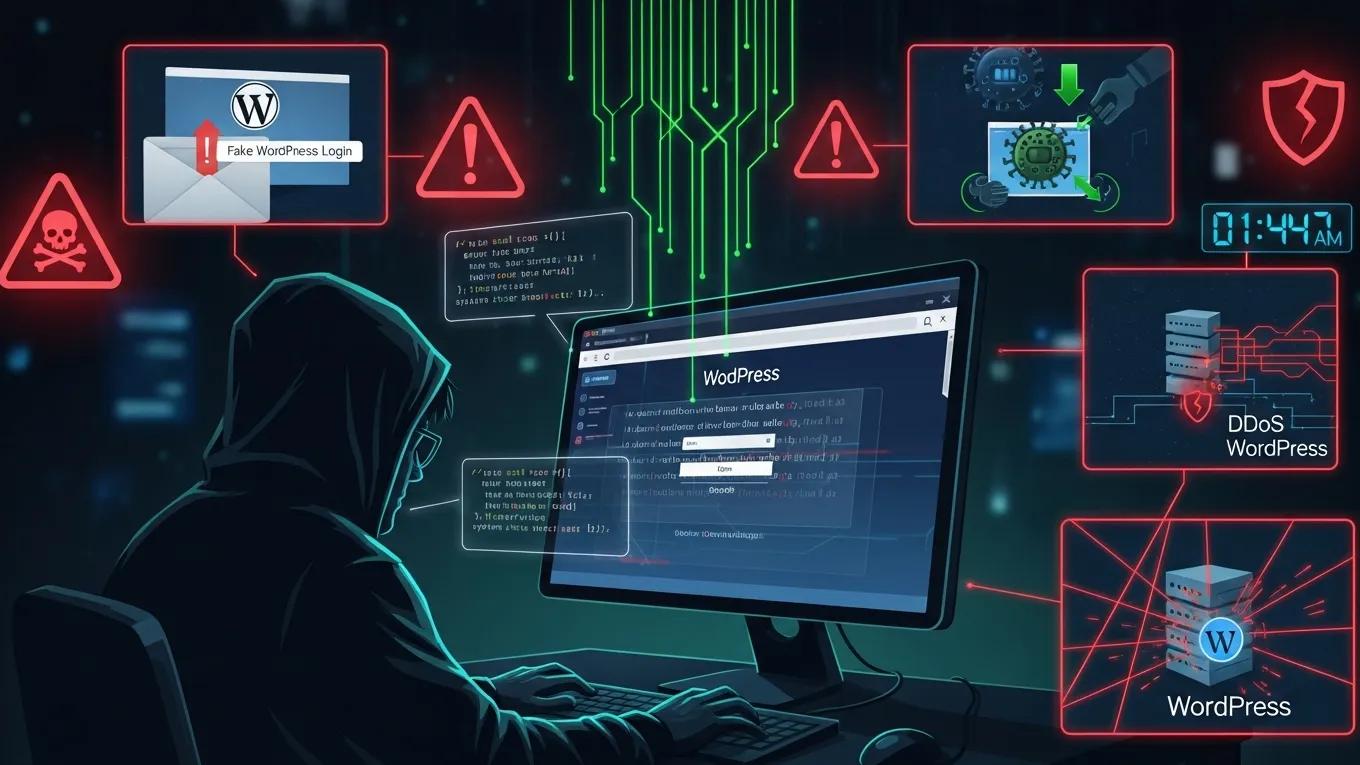
Hackers employ various methods to compromise WordPress sites, exploiting weaknesses in the platform and its plugins. Understanding these attack vectors is the first step in fortifying your website against potential threats.

  1. Brute Force Attacks: This method involves automated attempts to guess passwords until the correct one is found. It can lead to unauthorized access if strong passwords are not used.
  2. Malware Infections: Hackers can inject malicious code into your site, which can steal data or redirect users to harmful sites. Regular scans are essential to detect such threats.
  3. SQL Injection: This attack targets the database by inserting malicious SQL queries through input fields, allowing hackers to manipulate or steal data.
  4. Cross-Site Scripting (XSS): In this attack, hackers inject malicious scripts into web pages viewed by users, potentially compromising their data and accounts.

Recognizing these methods helps in implementing effective security measures to protect your WordPress site.

Academic research further highlights the significant threat posed by brute-force attacks and the subsequent spread of malware on widely used content management systems like WordPress.

WordPress Brute-Force Attacks: Methods & Malware Spread

WordPress, with more than 18M websites world wide, is the most prominent WCMS. Is because of its popularity that this and other well-known WCMSs have been systematically attacked for the past years by different threat actors seeking disposable infrastructure for their attacks.Brute-force attacks are one of the most common types of attacks against WCMSs. The goal of such an attack is to guess a valid user name and password in order to access the WCMS administration panel. Attackers especially take advantage of users choosing weak credentials. Successfully brute-forced websites are typically used for hosting C&Cs, scams, and drive-by attacks to spread malware.

An overview of the WCMS brute-forcing malware landscape, V Valeros, 2017

Furthermore, studies confirm the critical nature of application-layer attacks such as SQL injection and cross-site scripting, and the effectiveness of layered defenses in mitigating these specific threats.

WordPress Application-Layer Attacks: SQLi, XSS & AWS Security

There are two main risks that containerised WordPress on AWS has; vulnerable container images and application-layer attacks. Such implementation is organised as the layered defence, which incorporates continuous scanning of the Amazon ECR/Inspector images with additional AWS WAF and EventBridge/Lambda automation. SQLinjection (SQLi) and cross-site-scripting (XSS) tests resulted in 100% blocking of SQLi payloads, and 90.95 percent mitigation of XSS with its managed and internal WordPress-specific rules (/wp-login.php, xmlrpc.php).

Enhancing Security of WordPress Containers on AWS: A Multitool Vulnerability Analysis, 2026

Essential Security Methods

To safeguard your WordPress site, several essential security methods should be implemented. These strategies can significantly reduce the risk of attacks and enhance your site’s overall security posture.

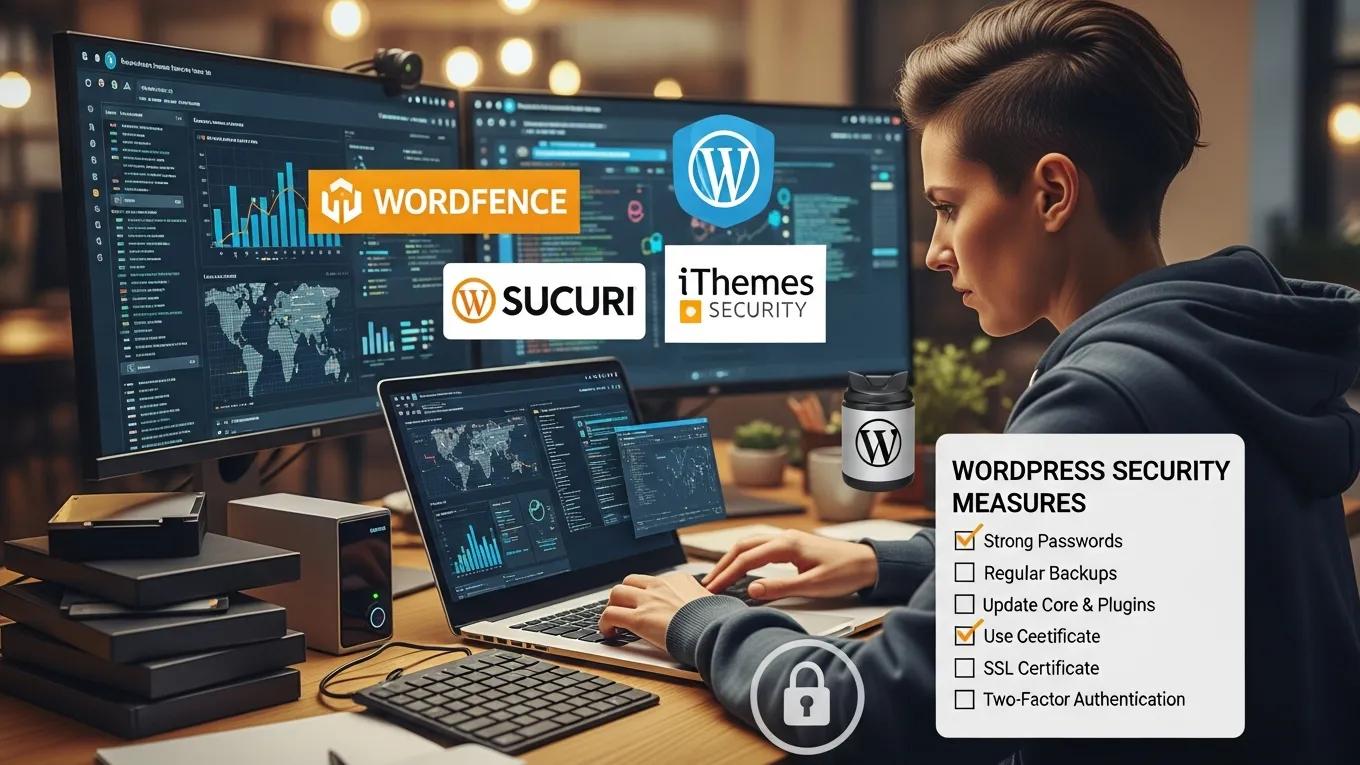
  1. Use Strong Passwords: Ensure that all user accounts, especially admin accounts, use complex passwords that are difficult to guess.
  2. Regular Updates: Keep WordPress core, themes, and plugins updated to patch vulnerabilities that hackers may exploit.
  3. Install Security Plugins: Utilize security plugins that offer features like firewalls, malware scanning, and login attempt monitoring to bolster your site's defenses.
  4. Limit Login Attempts: Restrict the number of login attempts to prevent brute force attacks from succeeding.
  5. Enable Two-Factor Authentication: Adding an extra layer of security through two-factor authentication can significantly reduce the risk of unauthorized access.

Secure WP Solutions offers tailored WordPress security services that can help implement these essential methods effectively, ensuring your site remains protected against common threats.

Best Practices for Prevention

In addition to essential security methods, adopting best practices for prevention is vital for maintaining a secure WordPress environment. These practices can help mitigate risks and ensure ongoing protection.

  1. Regular Backups: Schedule regular backups of your website to ensure you can restore it quickly in case of an attack.
  2. Routine Security Checks: Conduct regular security audits to identify and address potential vulnerabilities before they can be exploited.
  3. Proactive Monitoring: Implement monitoring tools that alert you to suspicious activities or unauthorized changes on your site.
  4. Educate Users: Train users on security best practices, including recognizing phishing attempts and using secure passwords.
  5. Monitor Access Logs: Regularly review access logs to identify any unusual activity that may indicate a security breach.

By following these best practices, you can create a robust defense against potential threats. Secure WP Solutions provides comprehensive WordPress maintenance plans that include these preventive measures, ensuring your site remains secure and up-to-date.

Recovery Steps if Hacked

If your WordPress site is compromised, swift action is essential to minimize damage and restore functionality. Here are the critical steps to take:

  1. Change All Passwords: Immediately change passwords for all user accounts, especially admin accounts, to prevent further unauthorized access.
  2. Contact Professionals: Reach out to security experts who can help assess the damage and clean your site of any malware or vulnerabilities.
  3. Scan and Remove Malware: Use security tools to scan your site for malware and remove any malicious code found.

Taking these steps can help you recover from a hack and prevent future incidents.

How Do Brute Force Attacks Compromise WordPress Security?

Brute force attacks compromise WordPress security by systematically attempting various password combinations until the correct one is found. This method exploits weak passwords, making it crucial for users to create complex and unique passwords for their accounts.

What Role Does Malware Play in WordPress Site Breaches?

Malware plays a significant role in WordPress site breaches by injecting harmful code that can steal sensitive information, redirect users, or even take control of the site. Regular malware scans and updates are essential to protect against these threats.

How Can You Detect If Your WordPress Site Is Compromised?

Detecting a compromised WordPress site can involve monitoring for unusual activity, such as unexpected changes to files, unauthorized user accounts, or a sudden drop in traffic. Security plugins can also help identify potential breaches.

What Are the Signs of Malware Infection on WordPress?

Signs of malware infection on WordPress include unexpected redirects, slow site performance, unfamiliar user accounts, and the presence of unfamiliar files or code. Regular monitoring and scanning can help identify these issues early.

How Does Vulnerability Scanning Help Identify Security Risks?

Vulnerability scanning helps identify security risks by systematically checking for known vulnerabilities in your WordPress installation, themes, and plugins. This proactive approach allows you to address potential weaknesses before they can be exploited.

Conclusion

Implementing effective security methods and best practices is essential for protecting your WordPress site from hackers. Regular updates, strong passwords, and proactive monitoring can significantly reduce the risk of attacks. Additionally, considering professional services like those offered by Secure WP Solutions can provide expert support in maintaining your site’s security. By prioritizing these strategies, you can safeguard your website and ensure a secure online presence.

Secure WP Solutions
Privacy Overview

This website uses cookies so that we can provide you with the best user experience possible. Cookie information is stored in your browser and performs functions such as recognising you when you return to our website and helping our team to understand which sections of the website you find most interesting and useful.