What Happens When You Skip WordPress Plugin Updates for Too Long

What Happens When You Skip WordPress Plugin Updates for Too Long: Understanding Risks and Prevention

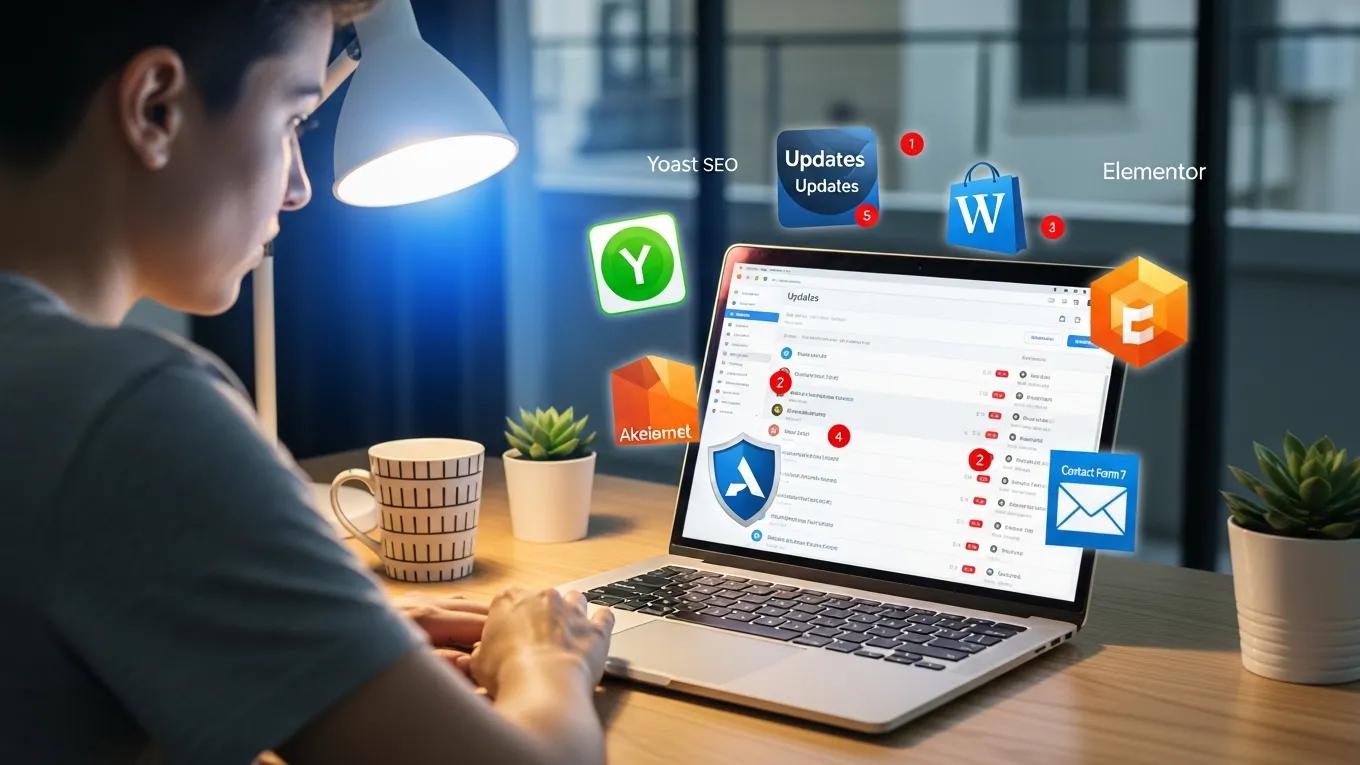
Neglecting to update WordPress plugins can lead to significant security vulnerabilities and performance issues. As website owners, understanding the implications of outdated plugins is crucial for maintaining a secure and efficient online presence. This article delves into the risks associated with skipping plugin updates, the impact on website performance, and best practices for managing updates effectively. Additionally, we will explore how professional maintenance plans can help mitigate these risks, ensuring your website remains secure and functional. By the end of this article, you will have a comprehensive understanding of the importance of regular updates and the strategies to implement them effectively.

What Are the Security Risks of Skipping WordPress Plugin Updates?

Skipping WordPress plugin updates exposes your website to various security risks. Outdated plugins can create vulnerabilities that cybercriminals exploit, leading to potential data breaches and site compromises. Regular updates are essential to patch these vulnerabilities and protect your website from malicious attacks.

How Do Outdated Plugins Create Vulnerabilities?

Outdated plugins often contain unpatched security holes that hackers can exploit. When developers release updates, they typically address known vulnerabilities, enhancing the plugin’s security. Failing to apply these updates leaves your website susceptible to attacks, as outdated code can be easily manipulated by cybercriminals.

What Types of Cyber Threats Exploit Unpatched Plugins?

Several types of cyber threats specifically target unpatched plugins. Malware can infect websites through outdated plugins, leading to data theft or site defacement. Additionally, hackers often scan for known vulnerabilities in popular plugins, making it crucial to keep them updated to prevent such attacks.

How Does Skipping Plugin Updates Affect Website Performance and Compatibility?

Neglecting plugin updates can significantly impact your website’s performance and compatibility with other components. Outdated plugins may slow down your site, leading to a poor user experience and potential loss of visitors.

What Performance Issues Arise from Outdated Plugins?

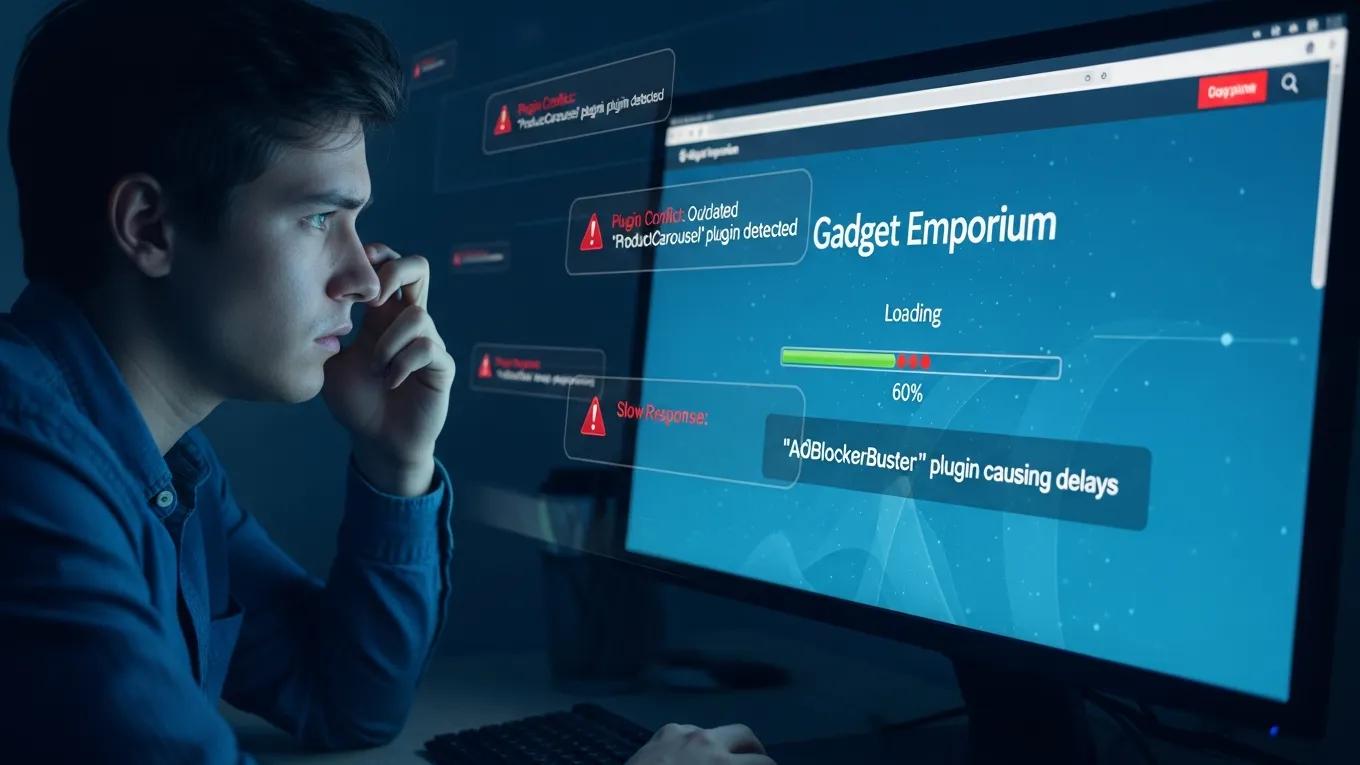
Outdated plugins can cause various performance issues, including slow loading times and increased downtime. These problems can frustrate users and negatively affect your site’s search engine rankings. Regular updates help ensure optimal performance by fixing bugs and improving efficiency.

Can Skipped Updates Cause Plugin and Theme Conflicts?

Yes, skipping updates can lead to conflicts between plugins and themes. When plugins are not updated, they may become incompatible with newer versions of WordPress or other plugins, resulting in broken functionality. Regular updates help maintain compatibility and ensure that all components of your website work seamlessly together.

What Are the Best Practices for Managing WordPress Plugin Updates?

To effectively manage WordPress plugin updates, website owners should establish a regular update schedule and utilize tools that facilitate safe updates. Implementing best practices can significantly reduce the risks associated with outdated plugins.

How Often Should WordPress Plugins Be Updated?

It is generally recommended to update WordPress plugins as soon as updates are released, especially for critical security vulnerabilities. Establishing a routine for checking and applying updates can help maintain your website’s security and performance.

What Tools and Methods Ensure Safe Plugin Updates?

Several tools and methods can help ensure safe plugin updates. Backup tools are essential before applying updates, allowing you to restore your site in case of issues. Additionally, security plugins can monitor vulnerabilities and alert you to potential risks, providing an extra layer of protection.

How Can Professional Maintenance Plans Mitigate Risks of Skipping Updates?

Professional maintenance plans offer a comprehensive solution for managing WordPress plugin updates and enhancing website security. These plans typically include regular updates, security monitoring, and backups, ensuring your site remains protected against potential threats.

What Services Do Maintenance Plans Provide for Plugin Security?

Maintenance plans provide essential services for plugin security, including regular updates that patch vulnerabilities and security checks that help prevent breaches. By investing in a maintenance plan, website owners can focus on their core business while ensuring their site remains secure and up-to-date.

How Do Maintenance Plans Prevent Site Downtime and Breaches?

Routine backups included in maintenance plans minimize data loss and ensure quick recovery in case of issues. Expert support can quickly resolve problems, preventing prolonged downtime and potential breaches. This proactive approach to website maintenance is crucial for maintaining a secure online presence.

ServiceDescriptionBenefit
Regular UpdatesScheduled updates for all pluginsEnsures security and performance
Security MonitoringContinuous monitoring for vulnerabilitiesEarly detection of potential threats
BackupsRoutine backups of website dataQuick recovery from data loss

In conclusion, understanding the risks associated with skipping WordPress plugin updates is vital for maintaining a secure and efficient website. By implementing best practices for managing updates and considering professional maintenance plans, website owners can significantly reduce the likelihood of security breaches and performance issues.

Secure WP Solutions
Privacy Overview

This website uses cookies so that we can provide you with the best user experience possible. Cookie information is stored in your browser and performs functions such as recognising you when you return to our website and helping our team to understand which sections of the website you find most interesting and useful.