
Why WordPress Sites Are the #1 Target for Hackers
Why WordPress Sites Are the #1 Target for Hackers: Understanding Security Vulnerabilities and Protection Strategies
Security Vulnerabilities
WordPress Vulnerability Characterization & Prevention
In order to cope with this problem, an in-depth characterization of vulnerabilities can help researchers and practitioners to develop proper vulnerability prevention and detection tools.
Understanding vulnerabilities in plugin-based web systems: an exploratory study of wordpress, M Viana, 2018
Effective Protection Strategies
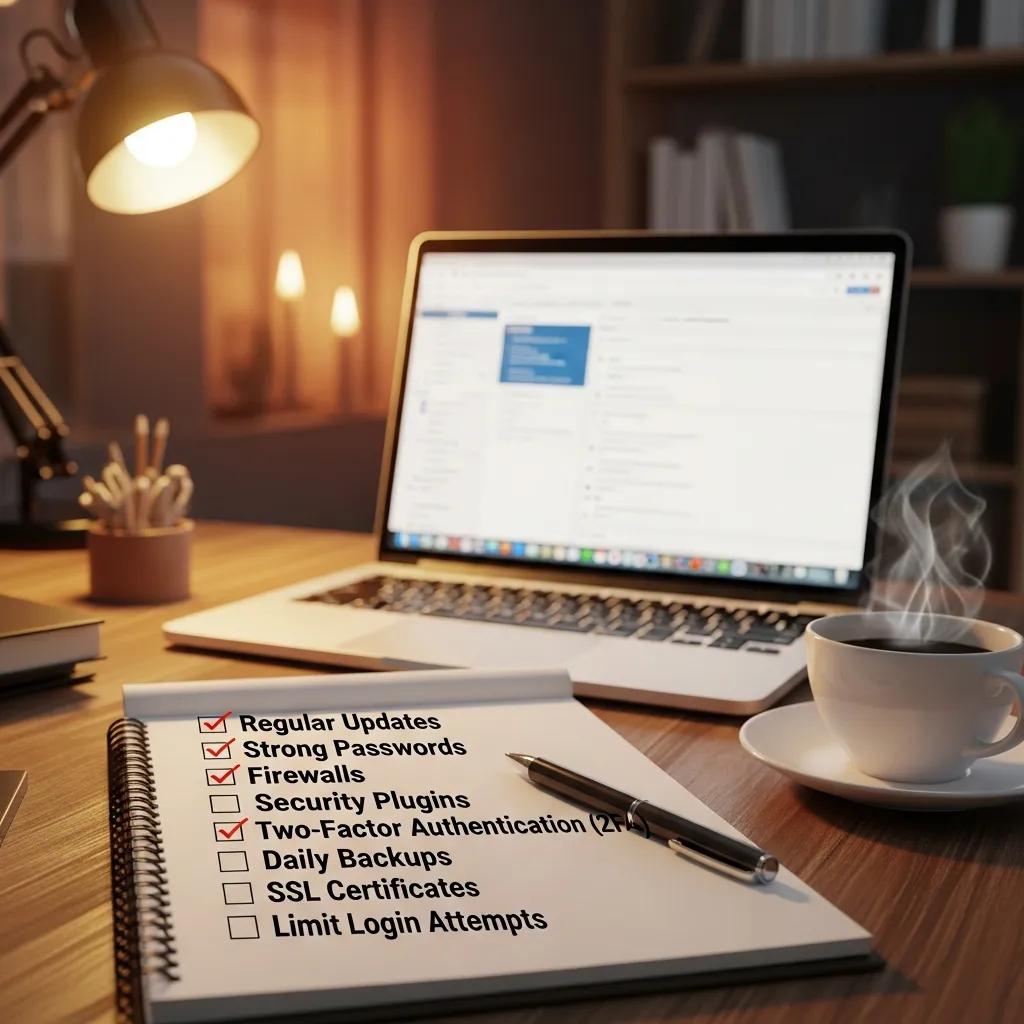
- Regular Updates: Keeping WordPress core, themes, and plugins updated is crucial to patch known vulnerabilities.
- Strong Password Policies: Implementing strong password requirements can significantly reduce the risk of brute force attacks.
- Firewall Solutions: Utilizing a web application firewall (WAF) can help block malicious traffic before it reaches the site.
- Security Plugins: Installing reputable security plugins can provide additional layers of protection against various threats.
- Regular Backups: Maintaining regular backups ensures that site owners can restore their sites quickly in case of a security breach.
How Do Plugin Exploits Increase WordPress Risk?
Why Are Brute Force Attacks a Frequent Threat to WordPress Sites?
Which Hacking Methods Target WordPress Sites Most Often?
- Malware Infections: Malicious software can be injected into a site, leading to data theft or site disruption.
- SQL Injection: This method exploits vulnerabilities in the database layer, allowing attackers to manipulate database queries.
- Cross-Site Scripting (XSS): XSS attacks enable hackers to inject malicious scripts into web pages viewed by users, potentially compromising their data.
WordPress Container Security: Layered Defense & WAF
There are two main risks that containerised WordPress on AWS has; vulnerable container images and application-layer attacks. Such implementation is organised as the layered defence, which incorporates continuous scanning of the Amazon ECR/Inspector images with additional AWS WAF and EventBridge/Lambda automation. SQLinjection (SQLi) and cross-site-scripting (XSS) tests resulted in 100% blocking of SQLi payloads, and 90.95 percent mitigation of XSS with its managed and internal WordPress-specific rules (/wp-login.php, xmlrpc.php).
Enhancing Security of WordPress Containers on AWS: A Multitool Vulnerability Analysis, 2026
How Does Malware Affect WordPress Site Security?
What Role Do Vulnerable Themes and Plugins Play in Hacks?
How Can WordPress Site Owners Protect Against Common Threats?
- User Education: Training users on security best practices can help prevent accidental breaches.
- Monitoring Tools: Implementing monitoring tools can alert site owners to suspicious activity, allowing for quick responses to potential threats.
What Are Effective WordPress Malware Protection Techniques?
- Regular Malware Scans: Conducting frequent scans can help identify and remove malware before it causes significant damage.
- Firewall Protection: A robust firewall can block malicious traffic and prevent unauthorized access.
Why Are Regular Backups and Firewalls Essential for Security?
How Do Maintenance Services Enhance WordPress Site Security?
What Features Should a WordPress Maintenance Plan Include?
- Backup Strategies: Regular backups to ensure data recovery in case of a breach.
- Performance Optimization: Regular checks to ensure the site runs smoothly and efficiently.
How Does Continuous Monitoring Prevent WordPress Hacks?
| Security Measure | Description | Effectiveness |
|---|---|---|
| Regular Updates | Keeping plugins and themes updated | High |
| Strong Passwords | Enforcing complex password requirements | High |
| Firewalls | Blocking malicious traffic | High |
| Security Plugins | Adding layers of protection | Medium |
| Regular Backups | Ensuring data recovery options | High |